[Tutorial]How to Find if a pic is from Internet{for catfish/fake/face reveal}

Aypi

࿏ ✞૯ŋ✞۸ςισŋ
Joined
Feb 13, 2016
Messages
5,319
Reaction score
47,639
{If someone can add color andbold please create a convo and copy/paste this with color thanks!}

Hey guys!

Did you ever been suspicious about a picture? For any reason? Then Im here to explain you how to find if a pic has really been taken from a Phone or Internet

For this example Im gonna use my profile picture .


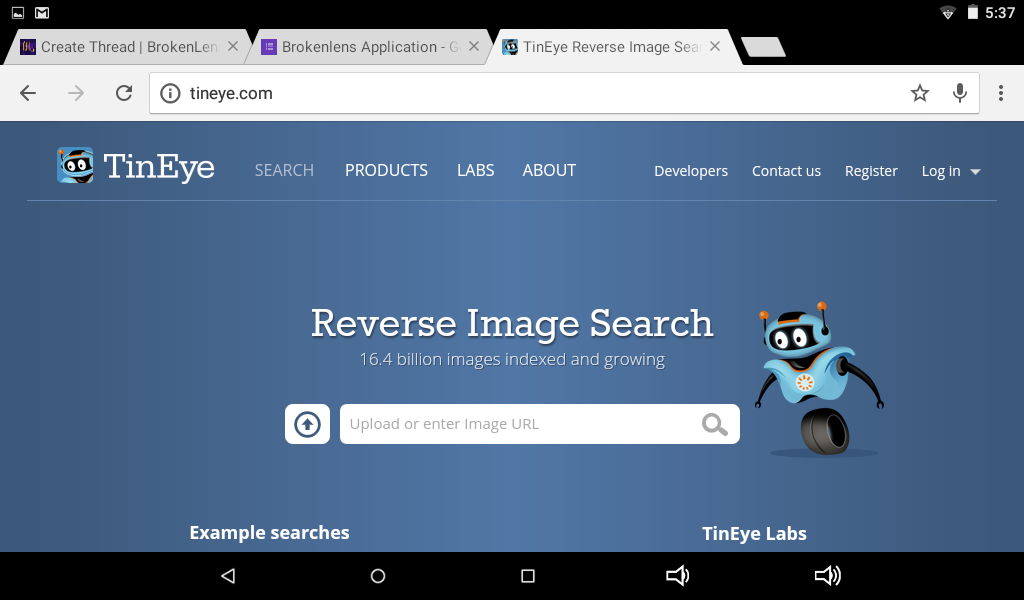
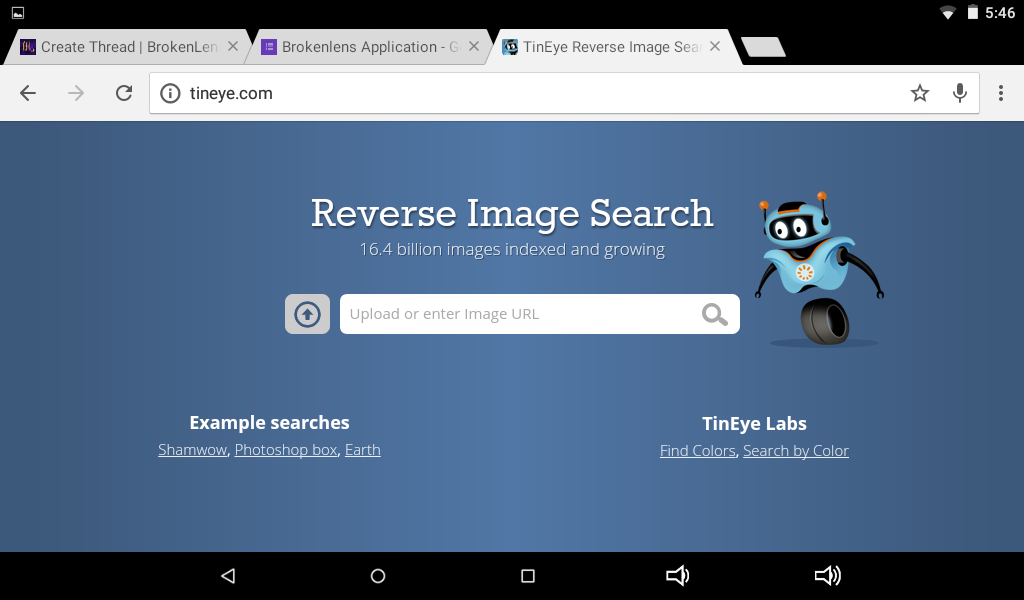
First go to www.tineye.com
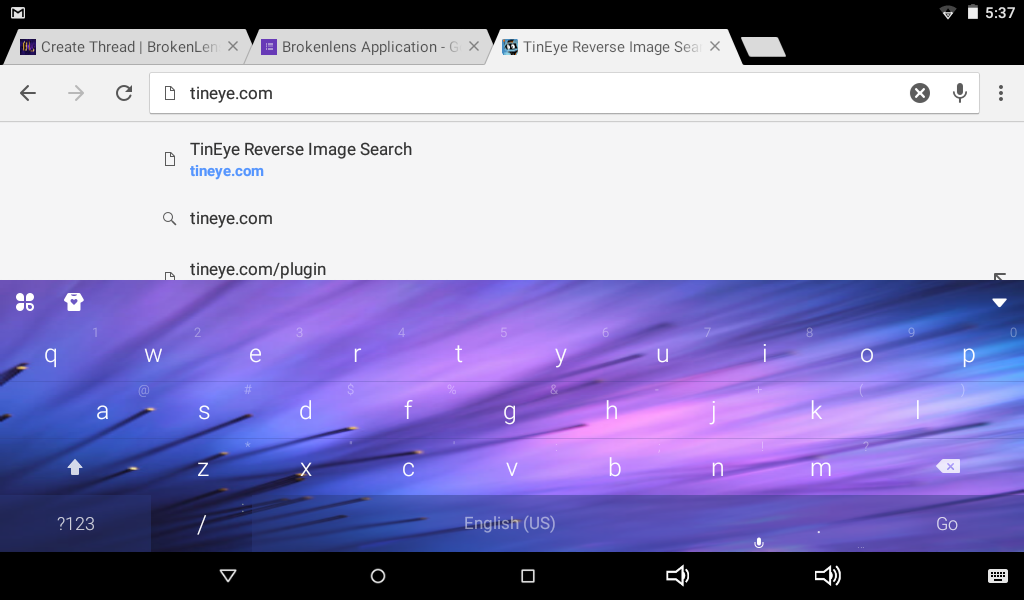
Screenshot_2016-11-07-17-37-25.png

Screenshot_2016-11-07-17-37-47.png


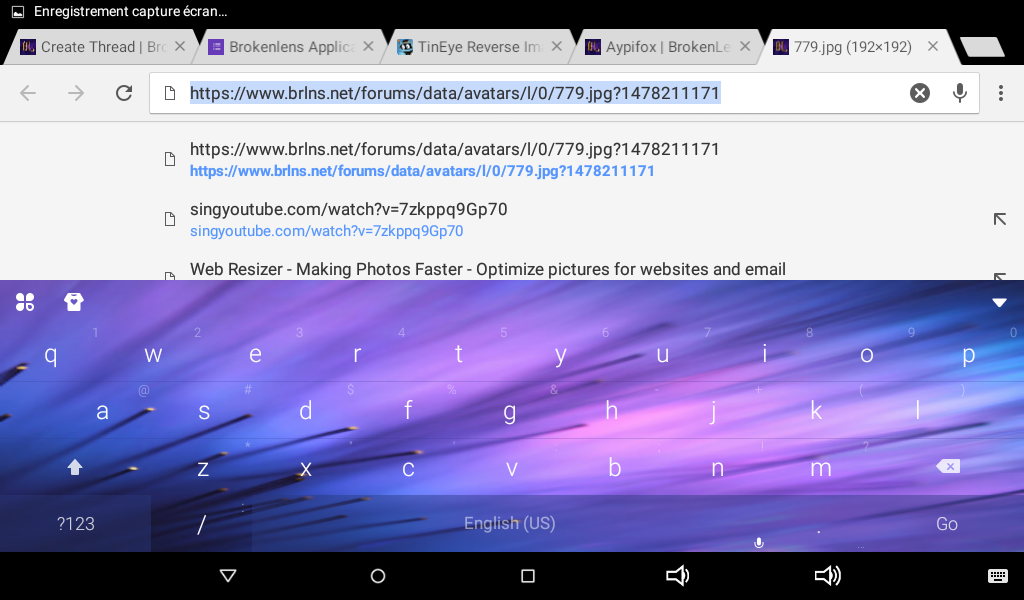
Second, upload the image or use a link :
Screenshot_2016-11-07-17-40-54.png

Click a long time on the Image and "Open Image"

Screenshot_2016-11-07-17-41-44.png

Copy link

Screenshot_2016-11-07-17-41-54.png


And then hit enter!
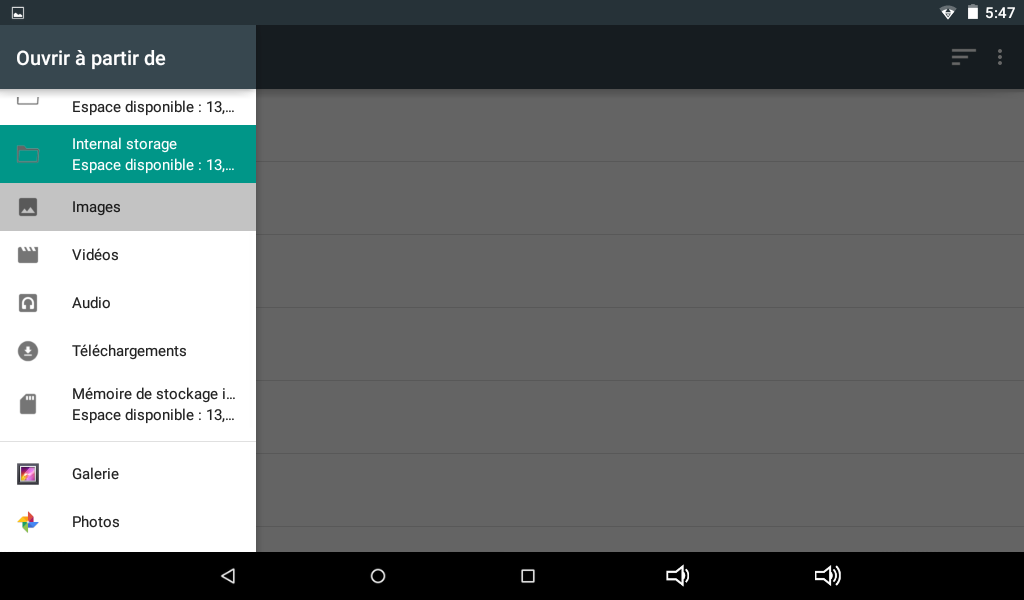
Click on theUploadButton and find Your picture
Screenshot_2016-11-07-17-46-27.png

Screenshot_2016-11-07-17-47-40.png


If it shows 0results...

If its says 0 result then you have 2 reasons
1.The Picture is not fake
2.The website doesnt have the picture

I you dont want to stop and go further.. Use this :
https://ctrlq.org/google/images/

it will show you up lots of result from google but. Welp use it only if you really want to know the truth..
Thanks for reading :D
 
{If someone can add color andbold please create a convo and copy/paste this with color thanks!}

Hey guys!

Did you ever been suspicious about a picture? For any reason? Then Im here to explain you how to find if a pic has really been taken from a Phone or Internet

For this example Im gonna use my profile picture .


First go to www.tineye.com
View attachment 10568
View attachment 10569

Second, upload the image or use a link :

View attachment 10570
Click a long time on the Image and "Open Image"
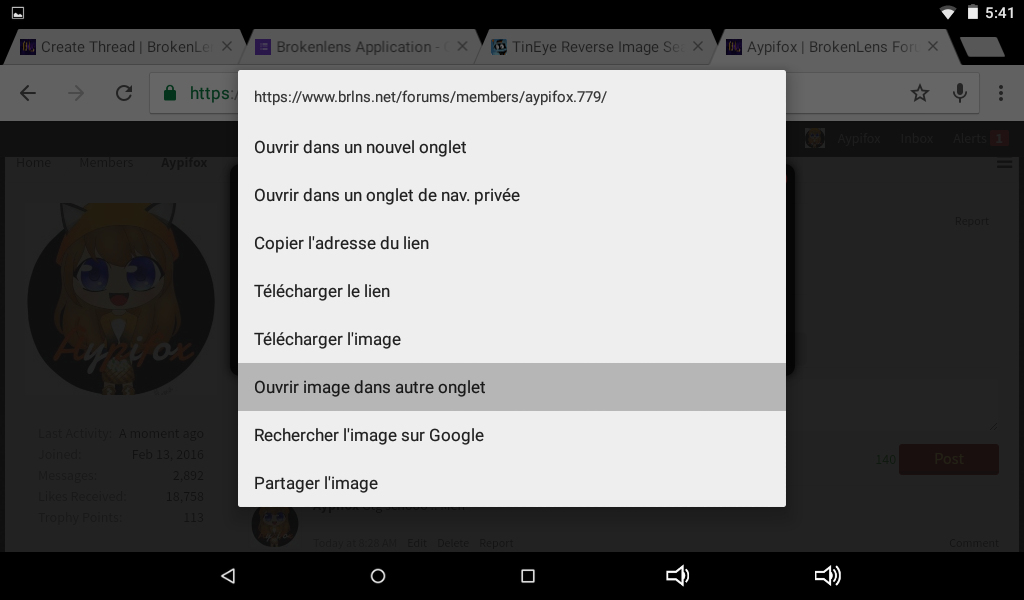
View attachment 10571
Copy link

View attachment 10572

And then hit enter!
Click on theUploadButton and find Your picture
View attachment 10573
View attachment 10574


If it shows 0results...

If its says 0 result then you have 2 reasons
1.The Picture is not fake
2.The website doesnt have the picture

I you dont want to stop and go further.. Use this :
https://ctrlq.org/google/images/

it will show you up lots of result from google but. Welp use it only if you really want to know the truth..
Thanks for reading :D
What is this? Does this mean you faked your face reveal?
View reply.
 
{If someone can add color andbold please create a convo and copy/paste this with color thanks!}

Hey guys!

Did you ever been suspicious about a picture? For any reason? Then Im here to explain you how to find if a pic has really been taken from a Phone or Internet

For this example Im gonna use my profile picture .


First go to www.tineye.com
View attachment 10568
View attachment 10569

Second, upload the image or use a link :
View attachment 10570
Click a long time on the Image and "Open Image"

View attachment 10571
Copy link

View attachment 10572

And then hit enter!
Click on theUploadButton and find Your picture
View attachment 10573
View attachment 10574


If it shows 0results...

If its says 0 result then you have 2 reasons
1.The Picture is not fake
2.The website doesnt have the picture

I you dont want to stop and go further.. Use this :
https://ctrlq.org/google/images/

it will show you up lots of result from google but. Welp use it only if you really want to know the truth..
Thanks for reading :D
Oh okay. Thanks!
View reply.
 
What is this? Does this mean you faked your face reveal?
No -.- this is a tutorial on how to find fake pics like if someone tell u its ur face then u use this strategy to verify
View reply.
 
{If someone can add color andbold please create a convo and copy/paste this with color thanks!}

Hey guys!

Did you ever been suspicious about a picture? For any reason? Then Im here to explain you how to find if a pic has really been taken from a Phone or Internet

For this example Im gonna use my profile picture .


First go to www.tineye.com
View attachment 10568
View attachment 10569

Second, upload the image or use a link :
View attachment 10570
Click a long time on the Image and "Open Image"

View attachment 10571
Copy link

View attachment 10572

And then hit enter!
Click on theUploadButton and find Your picture
View attachment 10573
View attachment 10574


If it shows 0results...

If its says 0 result then you have 2 reasons
1.The Picture is not fake
2.The website doesnt have the picture

I you dont want to stop and go further.. Use this :
https://ctrlq.org/google/images/

it will show you up lots of result from google but. Welp use it only if you really want to know the truth..
Thanks for reading :D
Ok, thanks I guess lel

Or you can just hold down on the image and there will be an option that says "Search Google for this image".
View reply.
 
Ok, thanks I guess lel

Or you can just hold down on the image and there will be an option that says "Search Google for this image".
this on Google Chrome only sadly
View reply.
 

Users Who Are Viewing This Thread (Total: 0, Members: 0, Guests: 0)

Back
Top