

- Dec 16, 2019
- 2,239
- 31,908
Yap a Tutorial. So Hi! I'm Eyow189 and I'm about to share you guys the thing I found out. This tutorial is for mobile users that are tired making their mountains individually by blocks.
You guys might think, yeah we have a BlockLauncher, we can just download a Worldedit mod and use it but no,from my personal experience, block launcher alwayd crashed, the problem is that the world will reset, then your build GONE.
So first you must download this App. It's called Toolbox and can be found in Google Play Store.
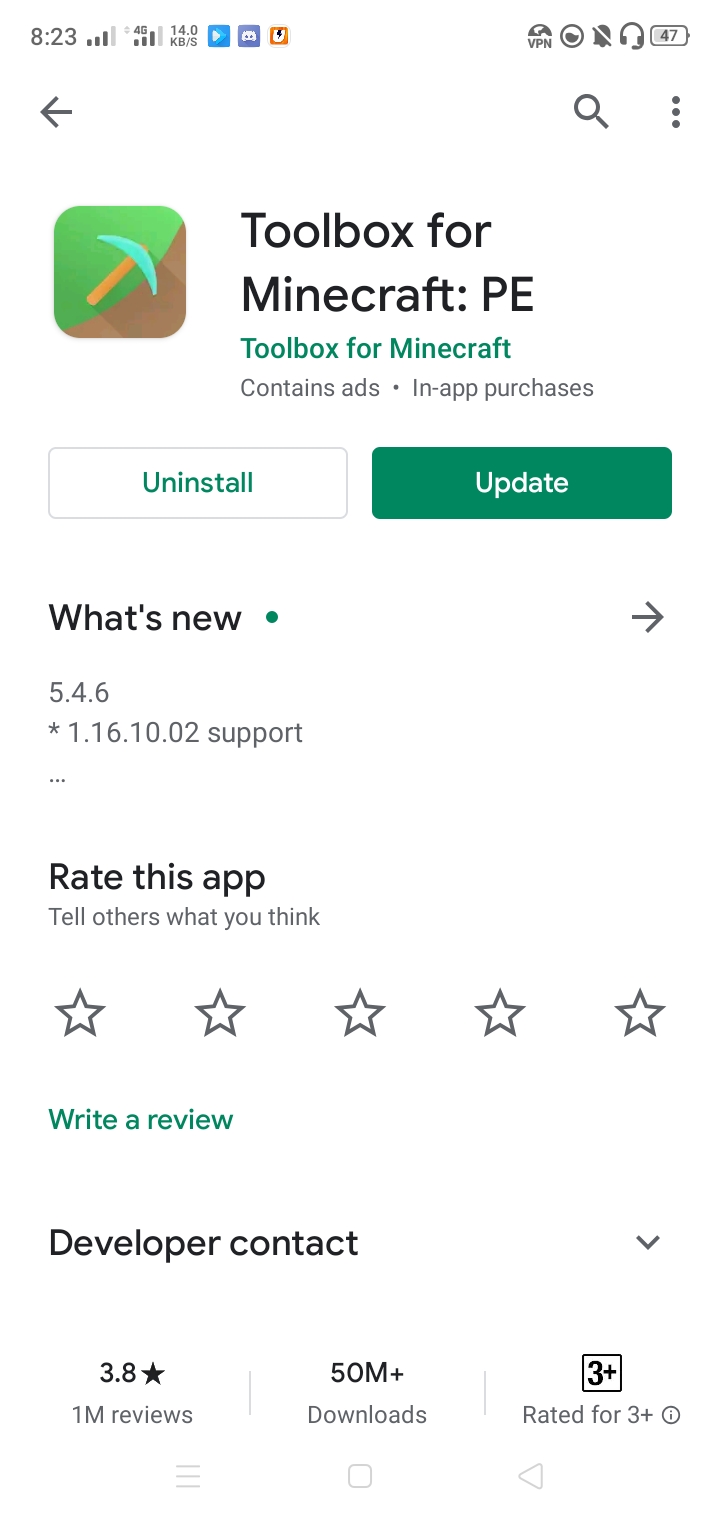
For what I know, this app is kinda dangerous to use since yes, its mostly used by cheaters in servers BUT Imma change that I'm using it as a tool for building. (Some Infos: I never treated this thing as a hacked client, you guys must too, I will keep researching stuffs so PE builders can have a mini worldedit in them without having limits with blocklauncher)
After downloading the app, open the app.(Also you must not have any internet on since it have A LOT of ads so yeah)
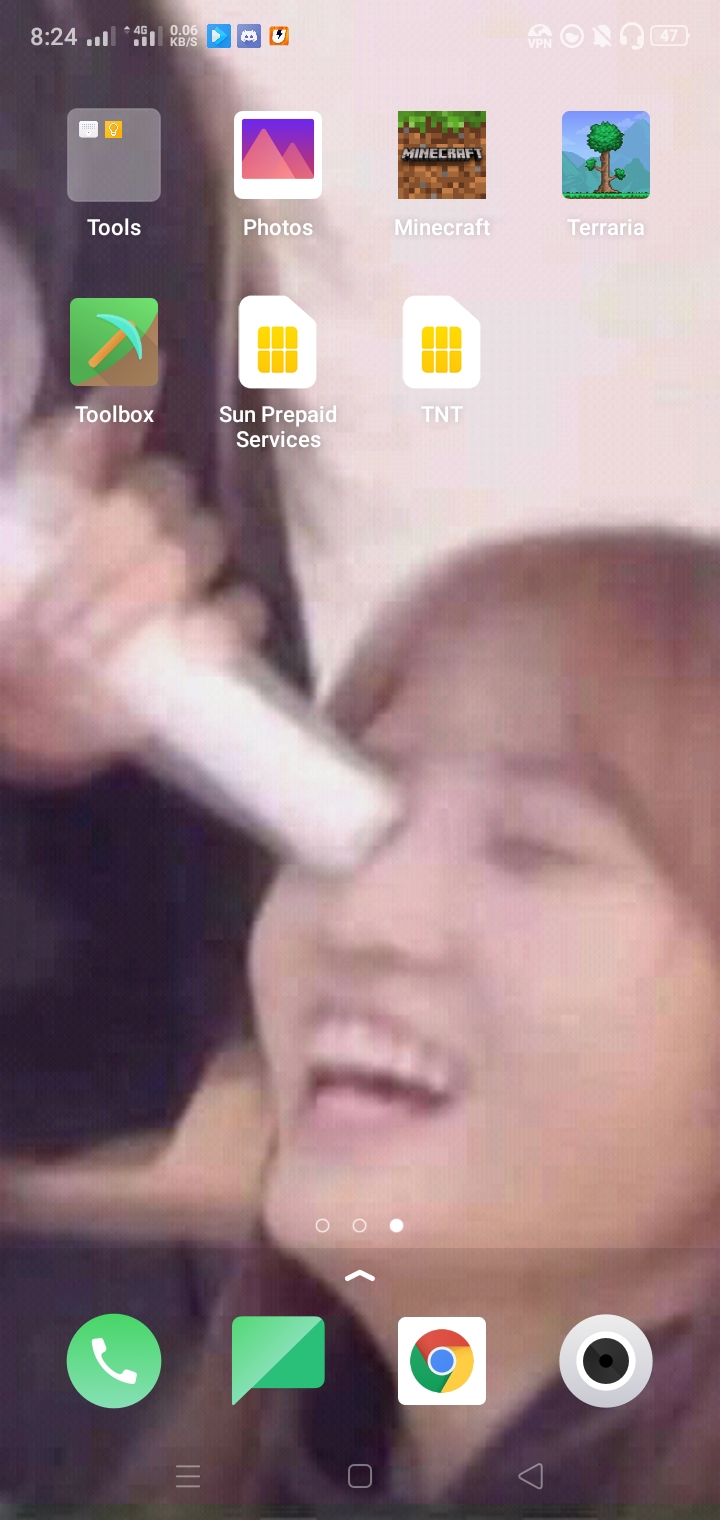
After you open the app, you must see this. A little pickaxe icon in green.
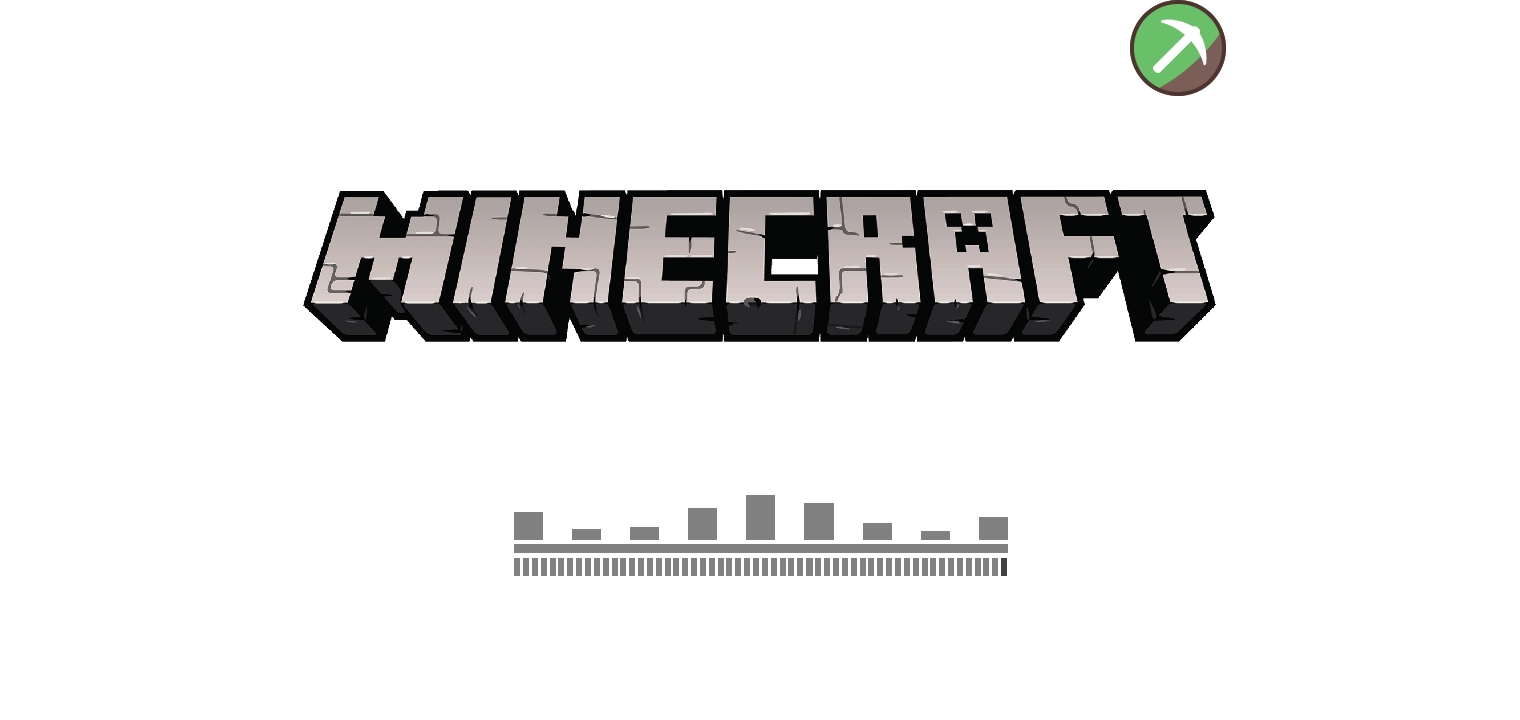
Open a world and this is where the m4giC happens.
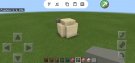
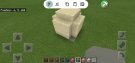
After opening a world, you must make your brush of blocks to use but you can use mine.
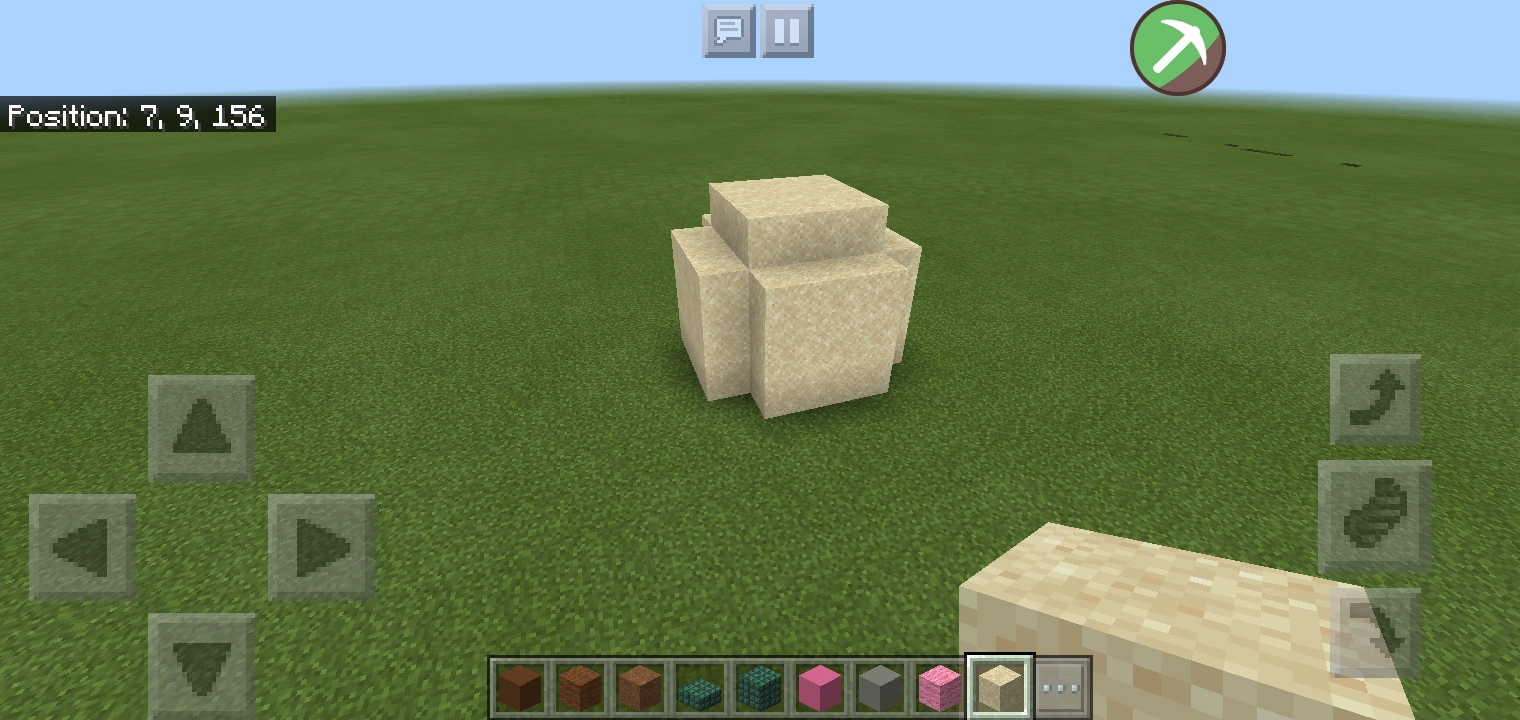
It's just a 3x3 sphere if you can call it that.
Next step is to tap the green pickaxe icon.
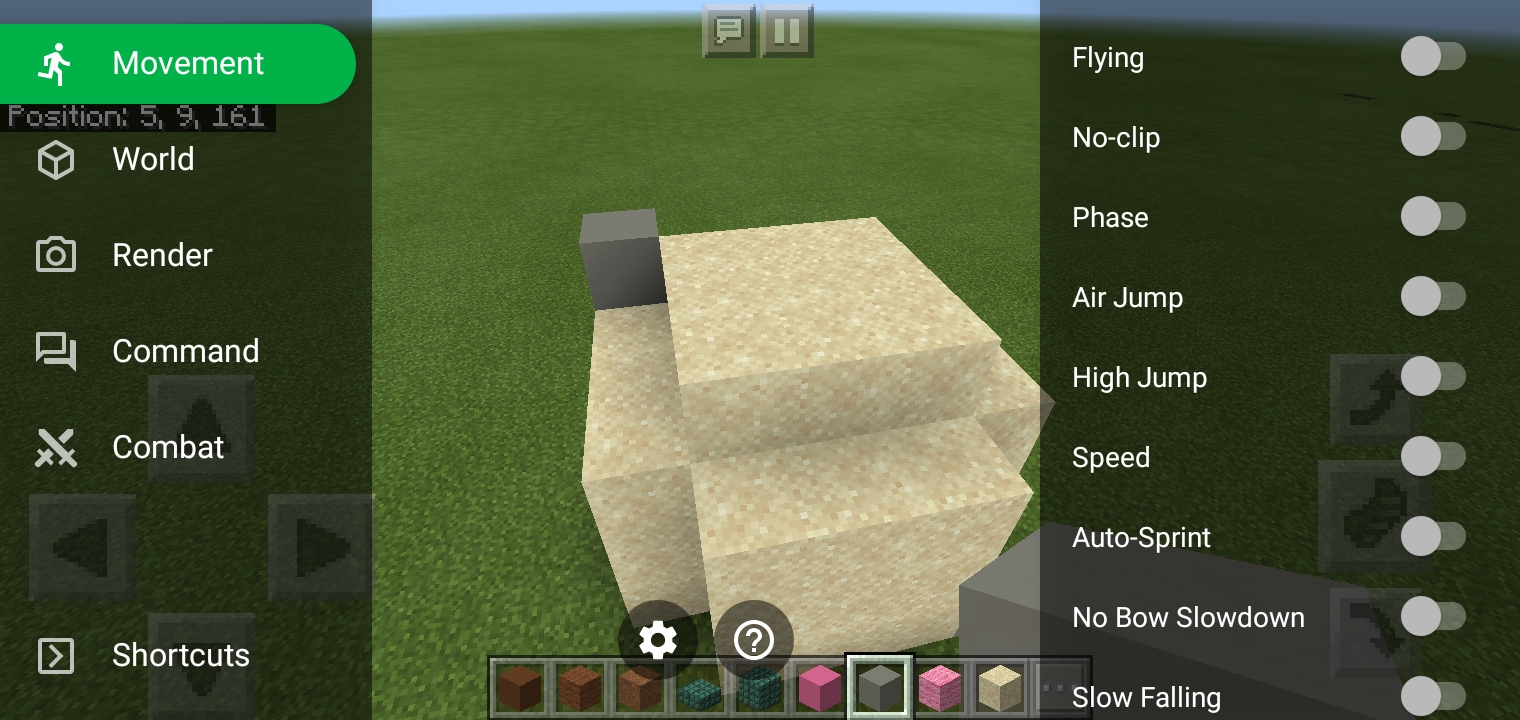
This thing should pop out, go to World tab.(yehey my grammar is decreasing)
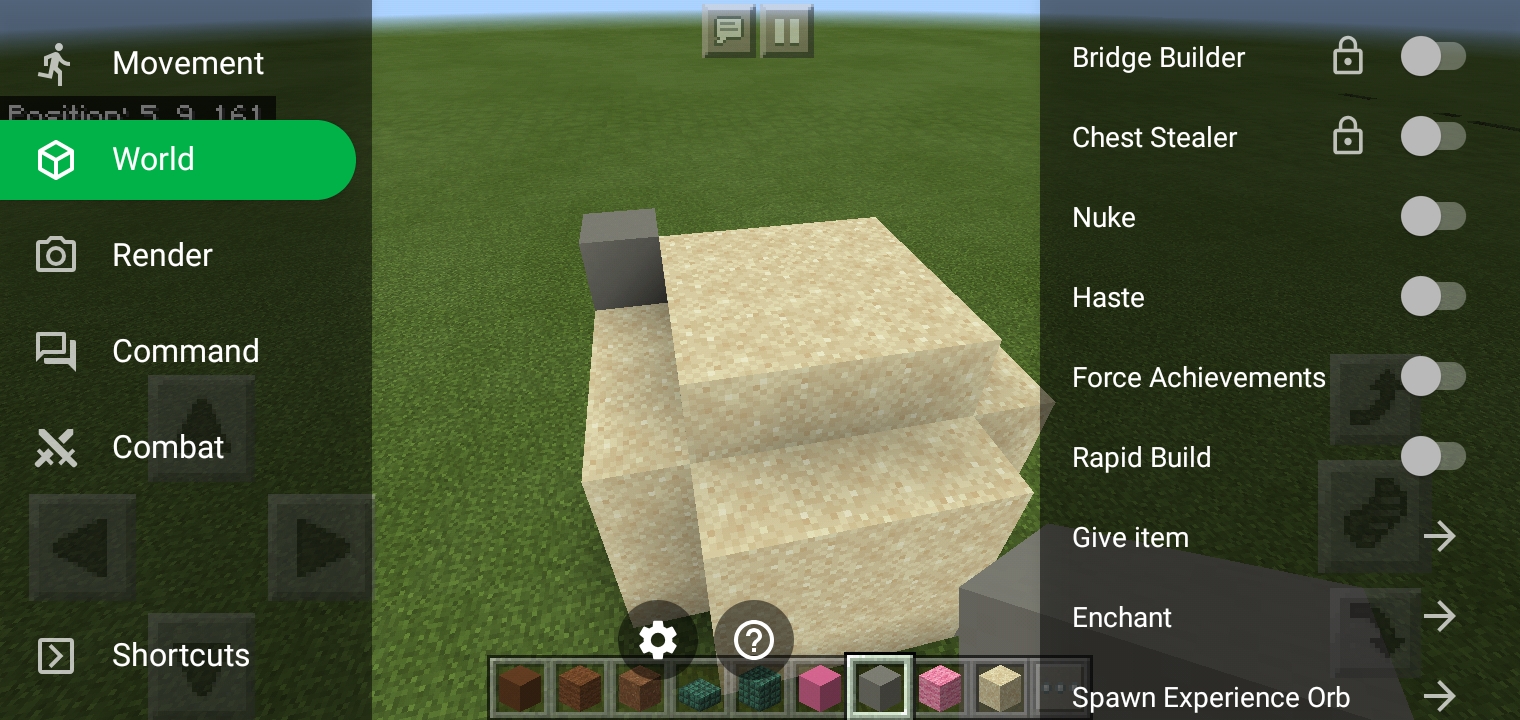
And turn on the Rapid Build. After turning on the Rapid build, this thing should pop out the screen.
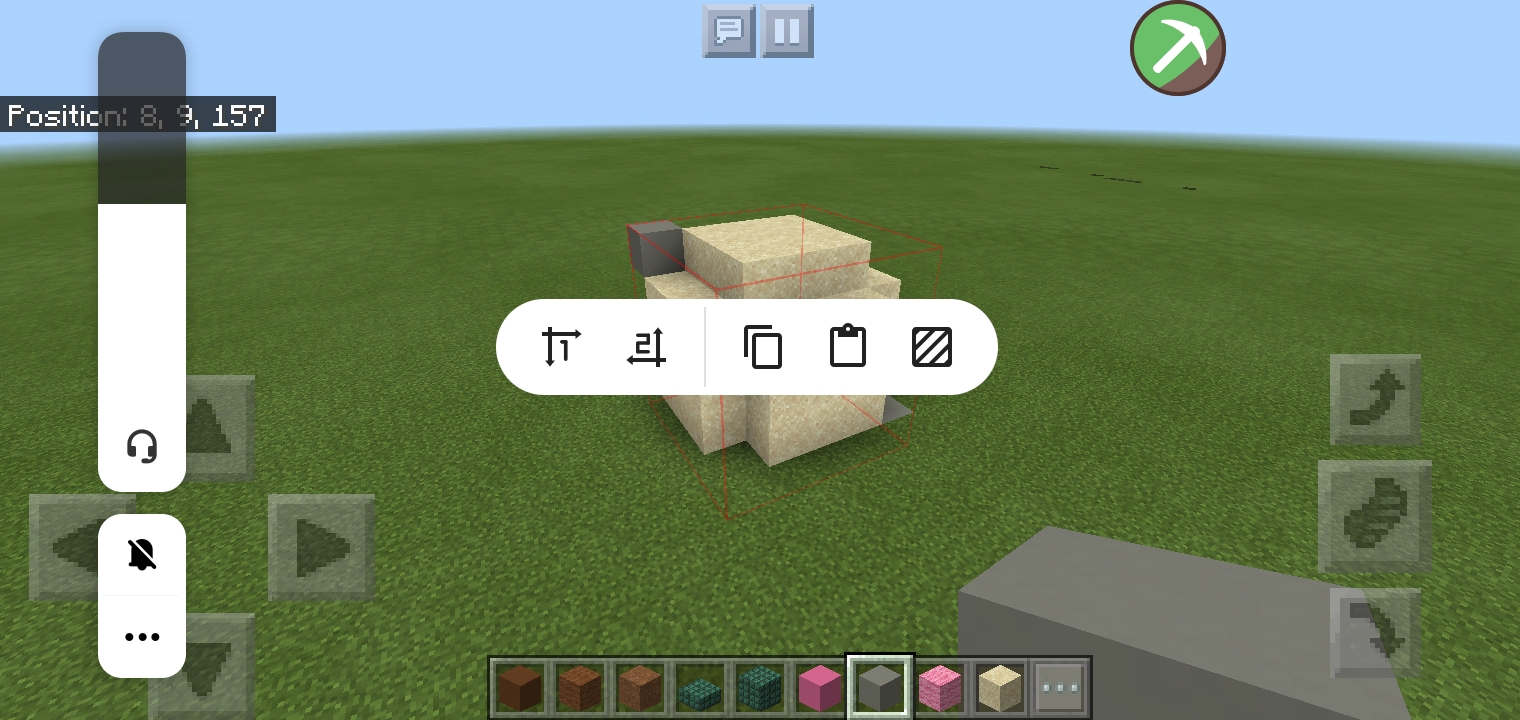
The first icon you see is like pos1 in worldedit, the same with the second icon. The third icon is for copying, the third is for pasting and the fifth icon is the fill thing.
After building your brush of blocks. We should copy it.
First, Tap the first icon and tap the blocks where the blocks ends(?) The red thing should come out. (I made a mistake here this should be one up higher becausr the grass will also get copied)
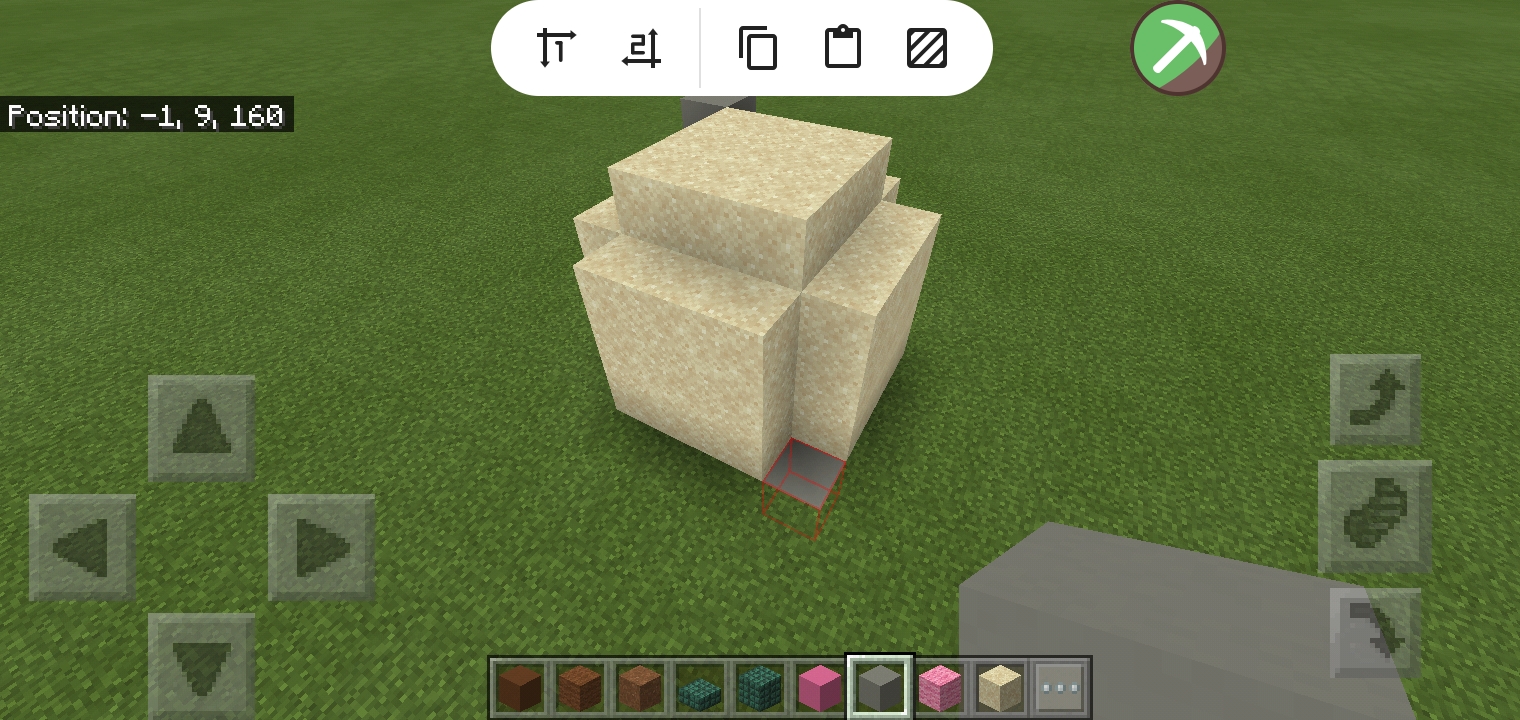
Second, Tap the second Icon and tap the blocks where the blocks ends (?)
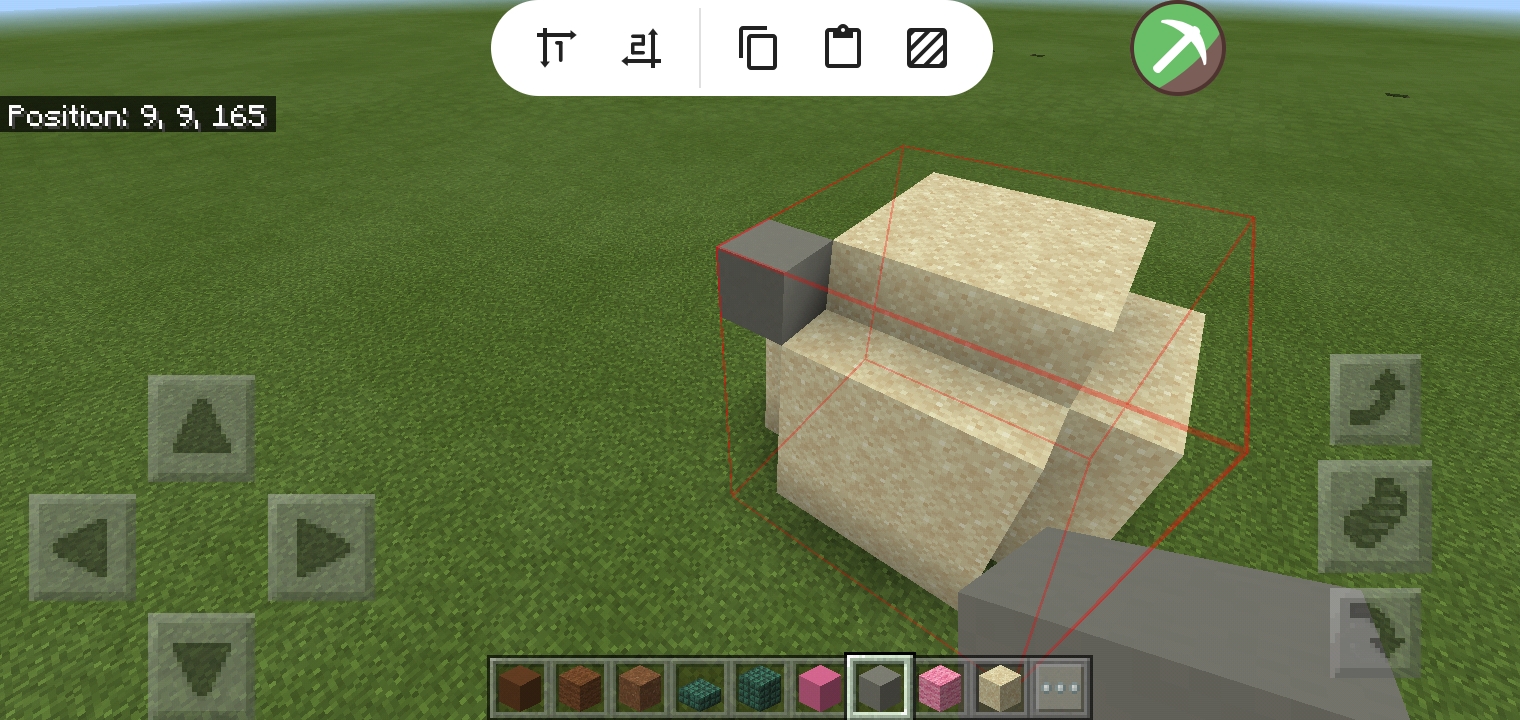
This red cube thing should come out. Basically the red thing is the thing you want to copy.
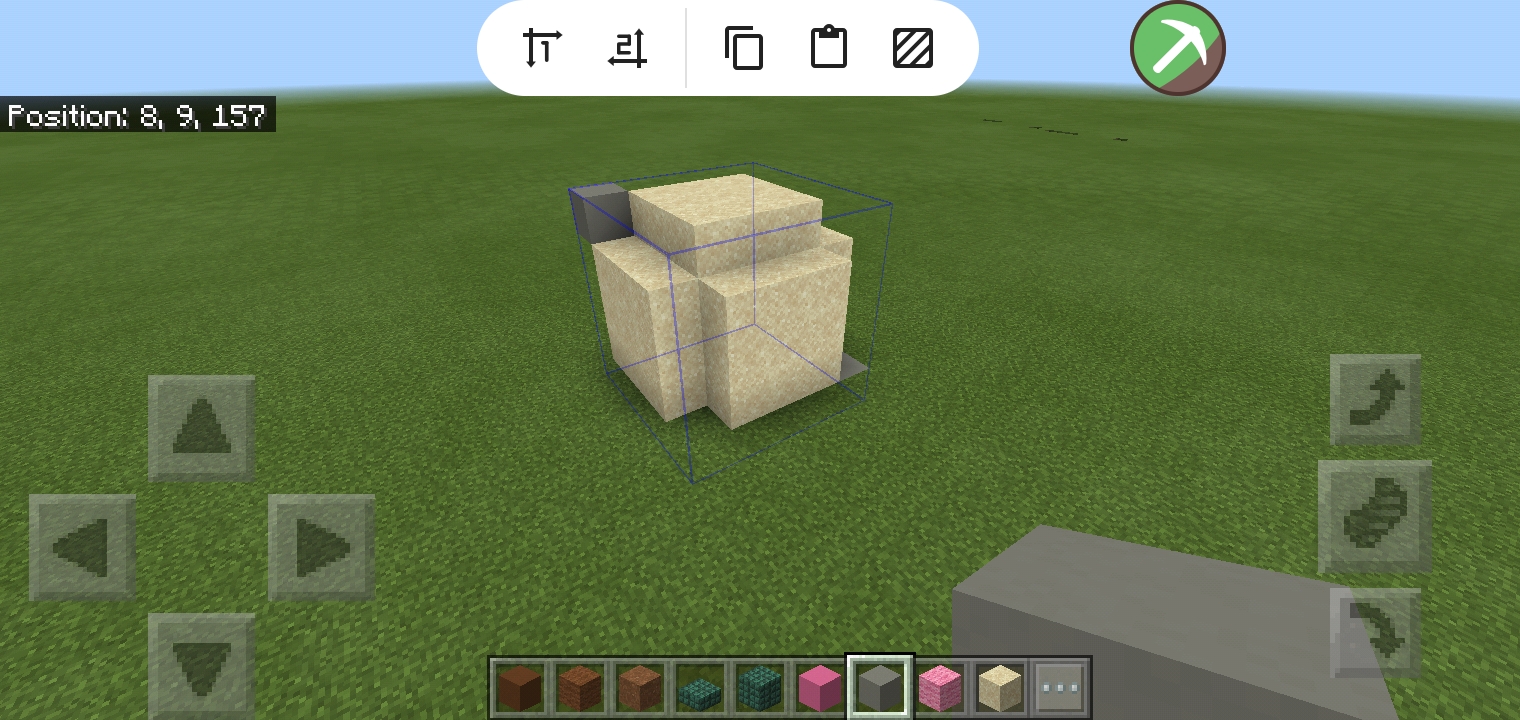
Third, tap the third icon to copy it and this blue cube thing should come out.
Now have fun using it.
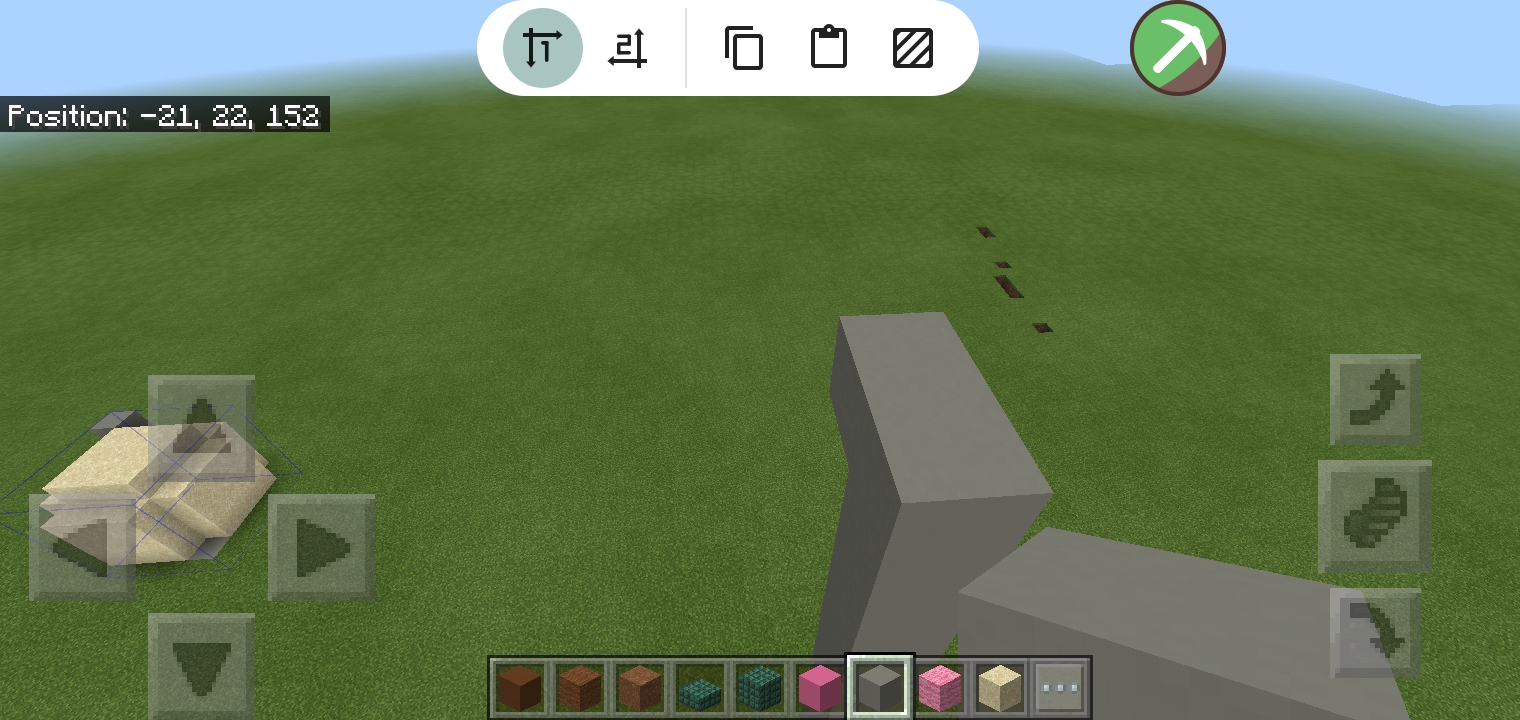
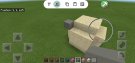
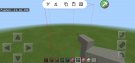
I made this tower to represent how high my mountain would look like.
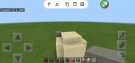
Use the first icon tap itina block to see a red cube. It will show you where the thing you copy will go. Then usr the fourthicon to paste. You can paste it however you like.
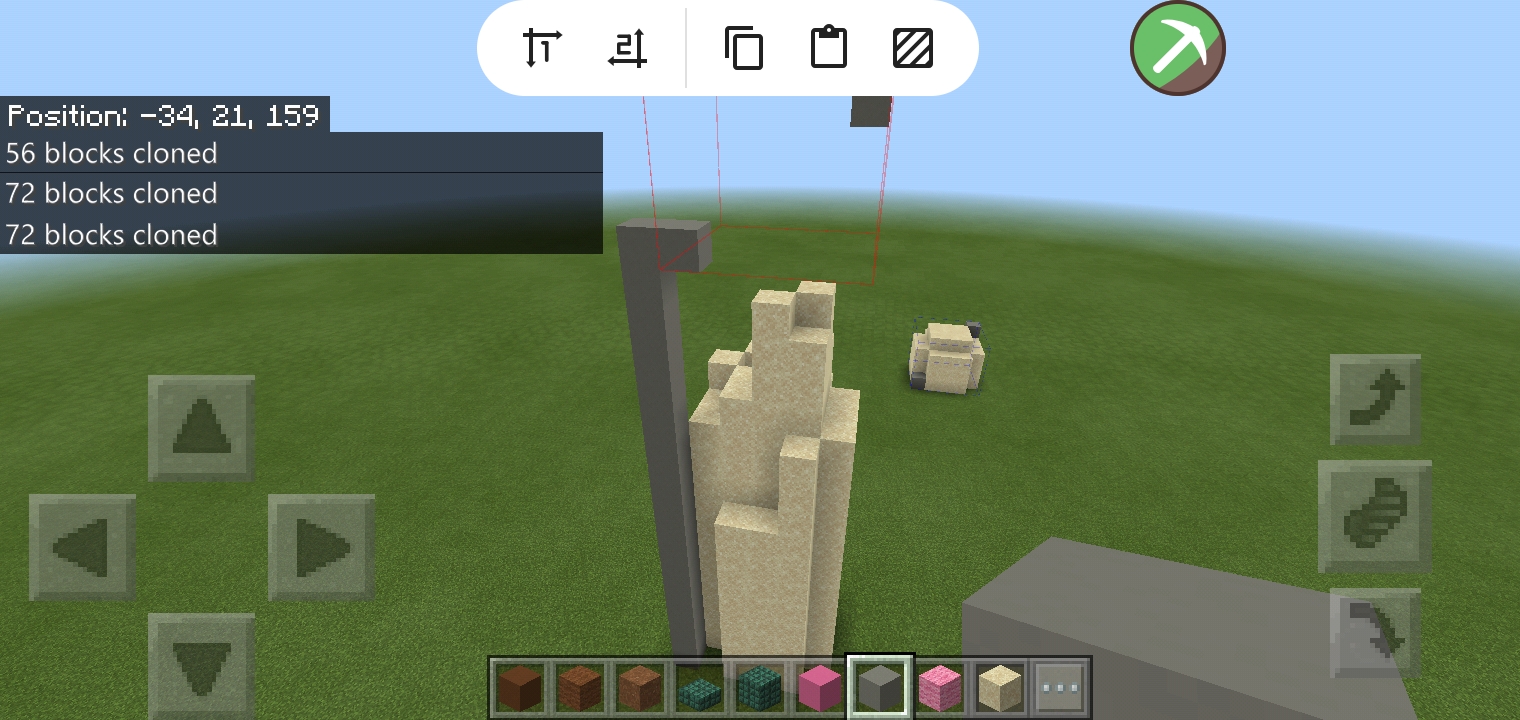
And made this thing with it.
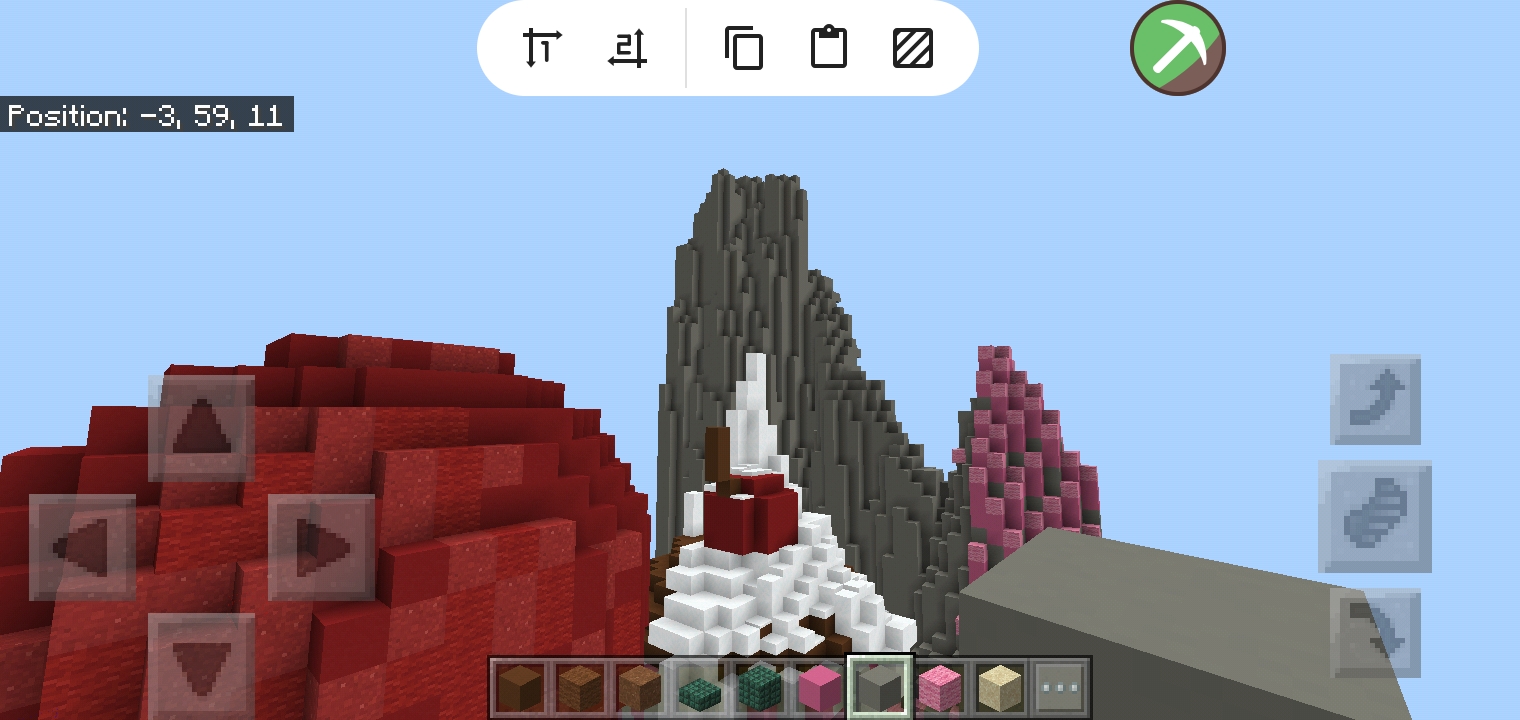
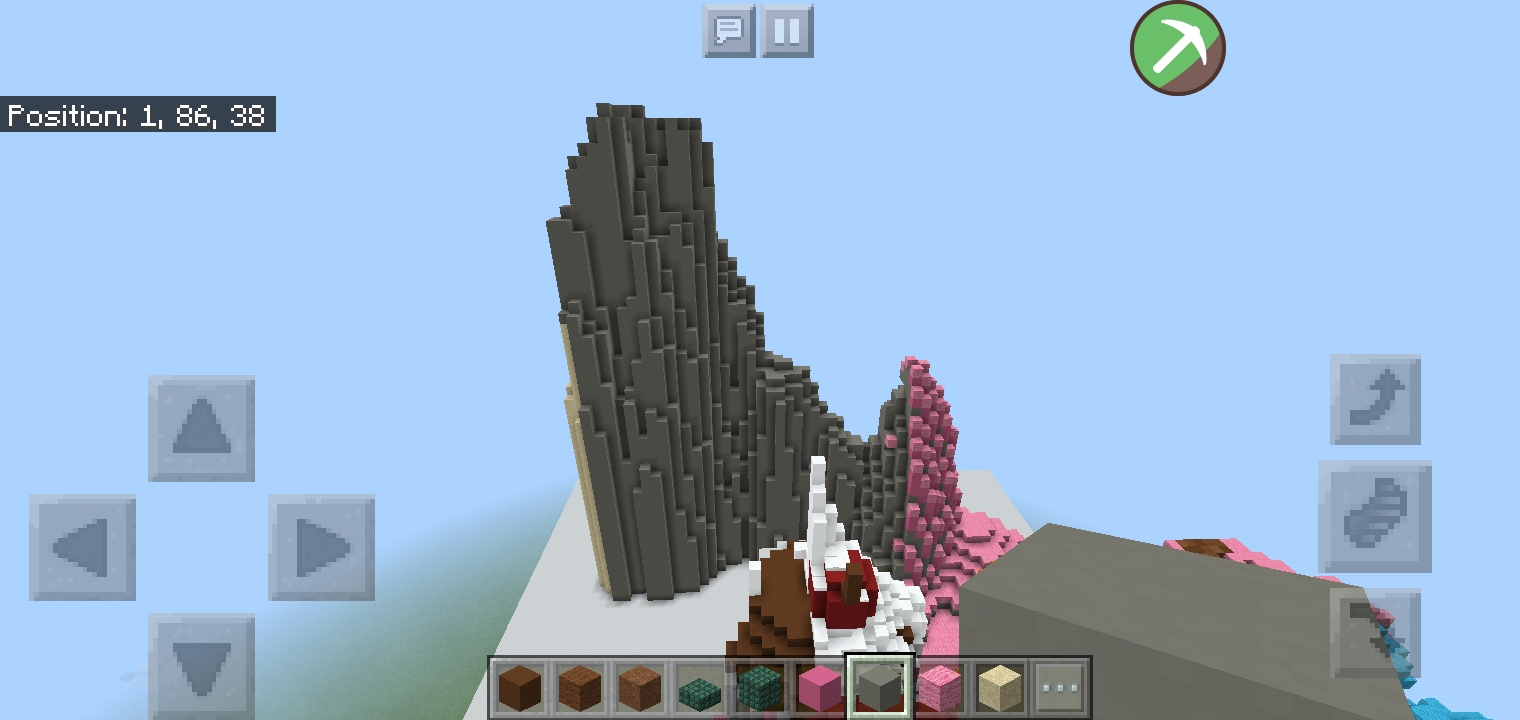
(The pictures that aren't posted as a full image are just screenshots that aren't used in the thread)
I hope you guys learned something. I'm very sorry for how bad my english is but atleast i try. It's much easier to do than to say.
P.S.: Please I'm begging don't use this for hacking just be fair.
You guys might think, yeah we have a BlockLauncher, we can just download a Worldedit mod and use it but no,from my personal experience, block launcher alwayd crashed, the problem is that the world will reset, then your build GONE.
So first you must download this App. It's called Toolbox and can be found in Google Play Store.
For what I know, this app is kinda dangerous to use since yes, its mostly used by cheaters in servers BUT Imma change that I'm using it as a tool for building. (Some Infos: I never treated this thing as a hacked client, you guys must too, I will keep researching stuffs so PE builders can have a mini worldedit in them without having limits with blocklauncher)
After downloading the app, open the app.(Also you must not have any internet on since it have A LOT of ads so yeah)
After you open the app, you must see this. A little pickaxe icon in green.
Open a world and this is where the m4giC happens.
After opening a world, you must make your brush of blocks to use but you can use mine.
It's just a 3x3 sphere if you can call it that.
Next step is to tap the green pickaxe icon.
This thing should pop out, go to World tab.(yehey my grammar is decreasing)
And turn on the Rapid Build. After turning on the Rapid build, this thing should pop out the screen.
The first icon you see is like pos1 in worldedit, the same with the second icon. The third icon is for copying, the third is for pasting and the fifth icon is the fill thing.
After building your brush of blocks. We should copy it.
First, Tap the first icon and tap the blocks where the blocks ends(?) The red thing should come out. (I made a mistake here this should be one up higher becausr the grass will also get copied)
Second, Tap the second Icon and tap the blocks where the blocks ends (?)
This red cube thing should come out. Basically the red thing is the thing you want to copy.
Third, tap the third icon to copy it and this blue cube thing should come out.
Now have fun using it.
I made this tower to represent how high my mountain would look like.
Use the first icon tap itina block to see a red cube. It will show you where the thing you copy will go. Then usr the fourthicon to paste. You can paste it however you like.
And made this thing with it.
(The pictures that aren't posted as a full image are just screenshots that aren't used in the thread)
I hope you guys learned something. I'm very sorry for how bad my english is but atleast i try. It's much easier to do than to say.
P.S.: Please I'm begging don't use this for hacking just be fair.
Attachments
-
 Screenshot_2020-07-27-20-27-29-99_16d7b6083c3c15d578d5a1c81c108c90.jpg812 KB · Views: 11
 -
 Screenshot_2020-07-27-20-27-24-13_16d7b6083c3c15d578d5a1c81c108c90.jpg774.3 KB · Views: 10
 -
 Screenshot_2020-07-27-20-28-34-18_16d7b6083c3c15d578d5a1c81c108c90.jpg730.1 KB · Views: 10
 -
 Screenshot_2020-07-27-20-26-25-96_16d7b6083c3c15d578d5a1c81c108c90.jpg739.3 KB · Views: 9
 -
 Screenshot_2020-07-27-20-28-24-27_16d7b6083c3c15d578d5a1c81c108c90.jpg824.2 KB · Views: 10
 -
 Screenshot_2020-07-27-20-27-58-17_16d7b6083c3c15d578d5a1c81c108c90.jpg589.5 KB · Views: 9
 -
 Screenshot_2020-07-27-20-28-08-04_16d7b6083c3c15d578d5a1c81c108c90.jpg851.8 KB · Views: 10
 -
 Screenshot_2020-07-27-20-29-30-32_16d7b6083c3c15d578d5a1c81c108c90.jpg544.7 KB · Views: 9
Last edited:


 someone found it helpful tho. It's up to the person if he/she will use it for this or to hack on servers. I do agree that he shouldn't have shared the app but he just wants to help those people who wants to build with world edit. It's hard to find ways for iOS since that thing is really strict but again the person just wanted to share his ways. Have a nice day! and sorry


