• Guest, To prevent spam, the BrokenLens Forums are not accepting new registrations at this time.

HELP! D:

SKJ3J

Notable Member
Joined
Nov 4, 2016
Messages
565
Reaction score
9,897
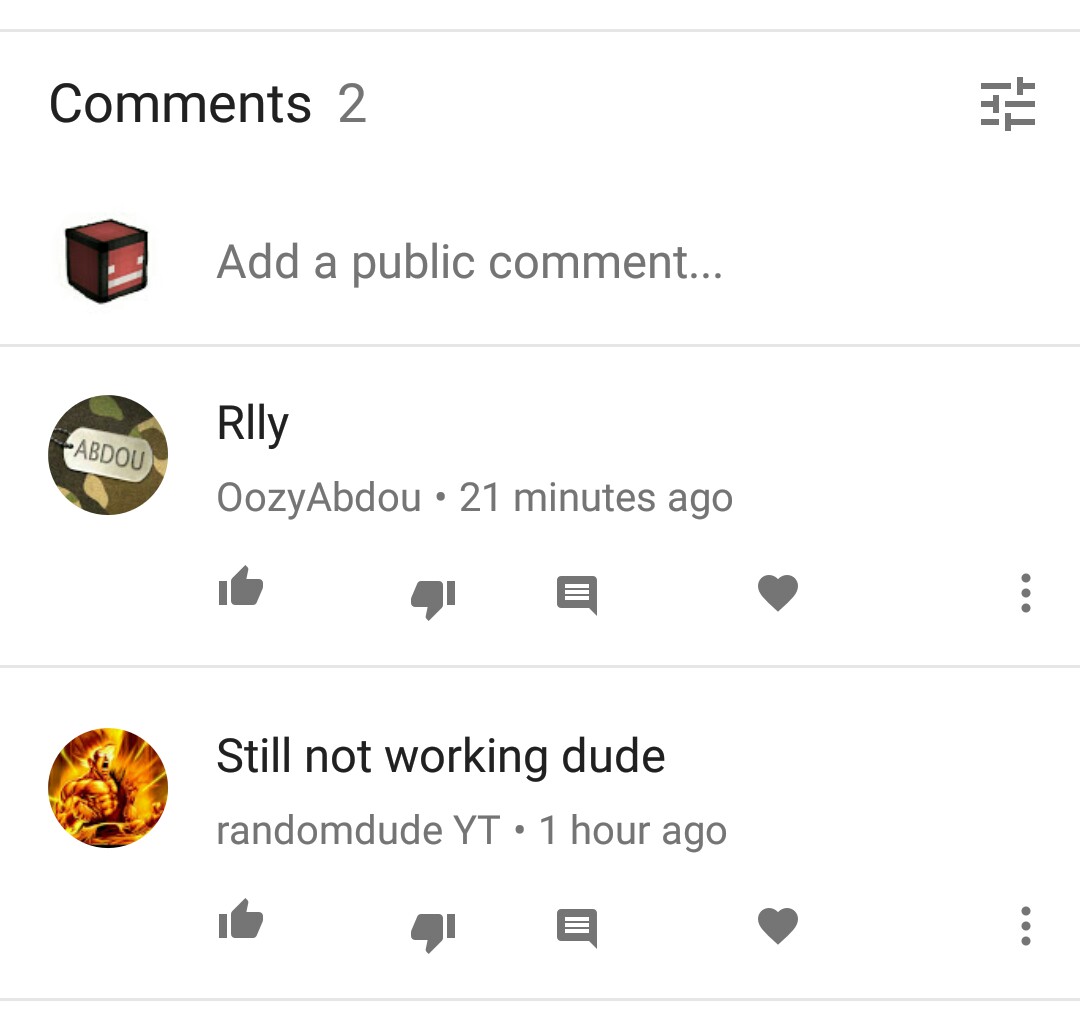
So hey everyone, how am I going to fix this problem? I've reuplouded this 3 times. The 3rd time I edited the last part but the problem is still there, the 'This video is not available.'
Here:
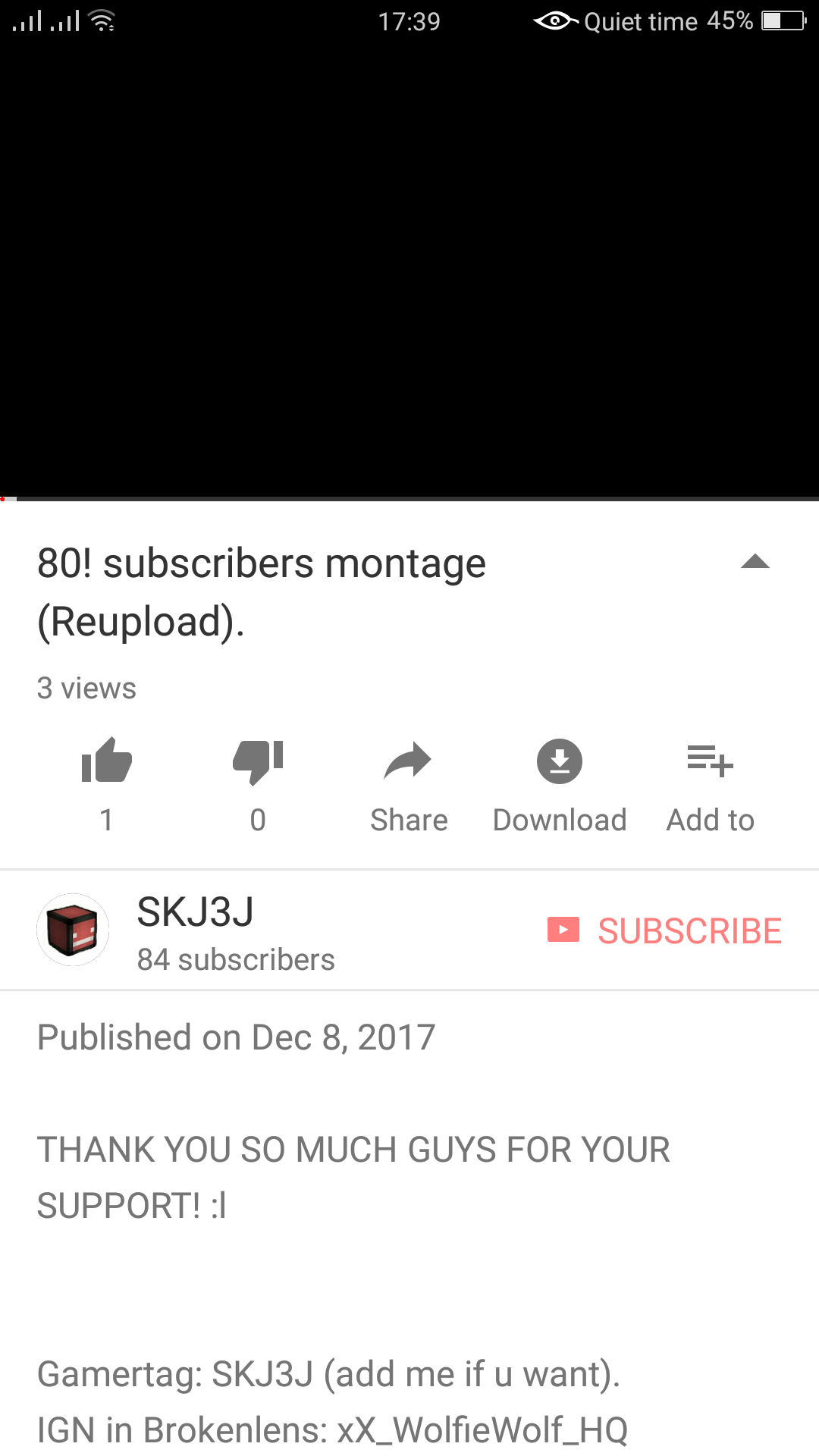
Screenshot_2017-12-09-17-39-01-60.png

IMG_20171209_173923.jpg

The video is working for me, but they said that it is not working. So I tried it with my other account:
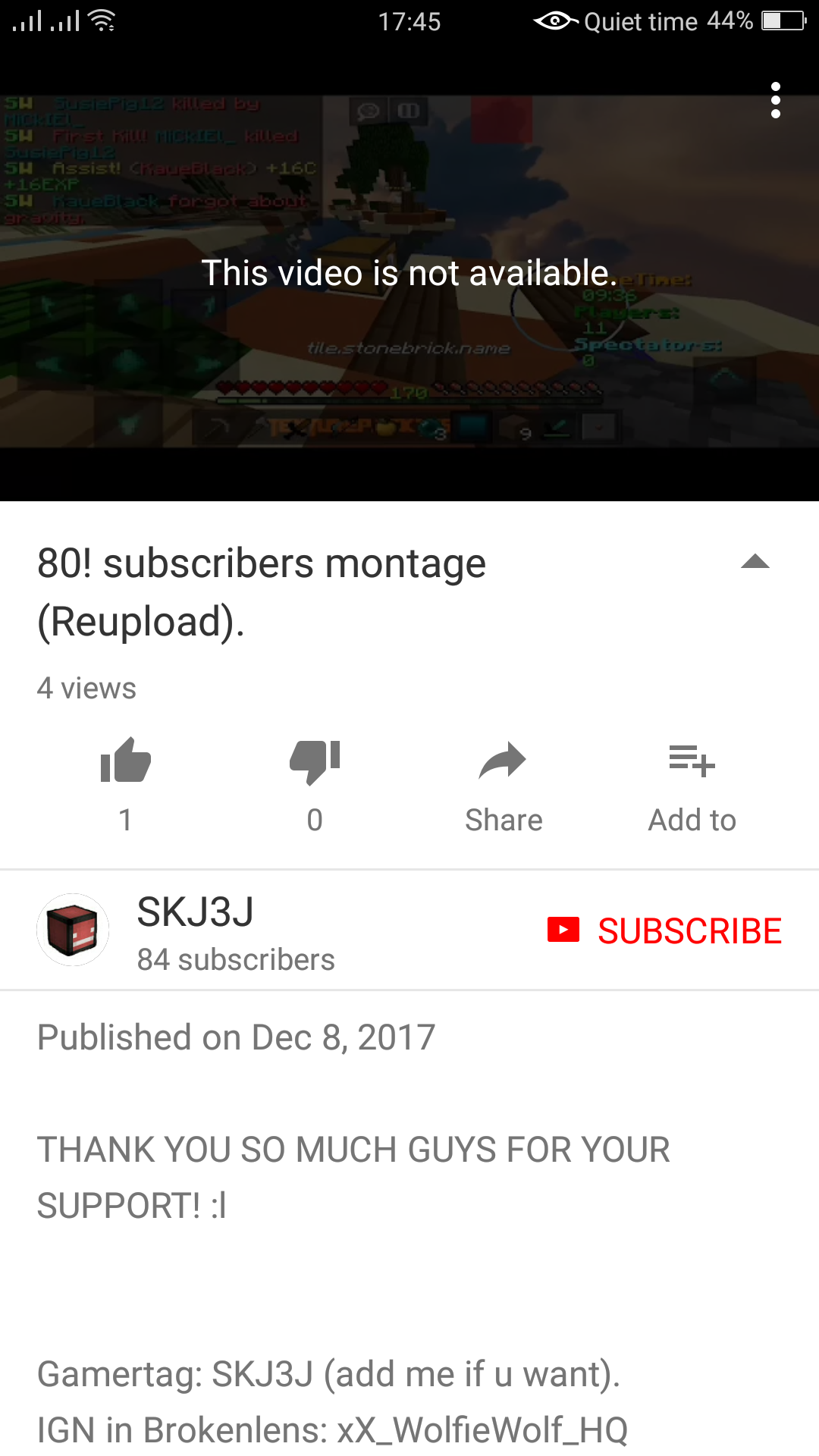
Screenshot_2017-12-09-17-45-56-20.png

THEN BAM, That popped up,
PLEASE HELP ME! D:
 
I think it's just your internet connection. I deal with this crap all day long where I live. The workers here are quite lazy. Anyways, just try restarting the router or the WiFi option in your settings.
View reply.
 
I think it's just your internet connection. I deal with this crap all day long where I live. The workers here are quite lazy. Anyways, just try restarting the router or the WiFi option in your settings.
Thanks but, it didn't work. Anyways, thanks for helping :)
View reply.
 
I would try to help but I ain't smart with this crap LMAO
View reply.
 
Thanks but, it didn't work. Anyways, thanks for helping :)
Hmmm... is it still not working? Try doing a quick reboot on your device. This will clear out or stop anything that's causing it to slow down or lag. It also fixes most problems. You don't have to reboot reboot it, just power it completely off for a couple minutes and turn it back on.
View reply.
 

Users Who Are Viewing This Thread (Total: 0, Members: 0, Guests: 0)

Back
Top