
HD skins (help meh)

xDreaminq

Notable Member
Joined
Jul 22, 2018
Messages
790
Reaction score
2,932
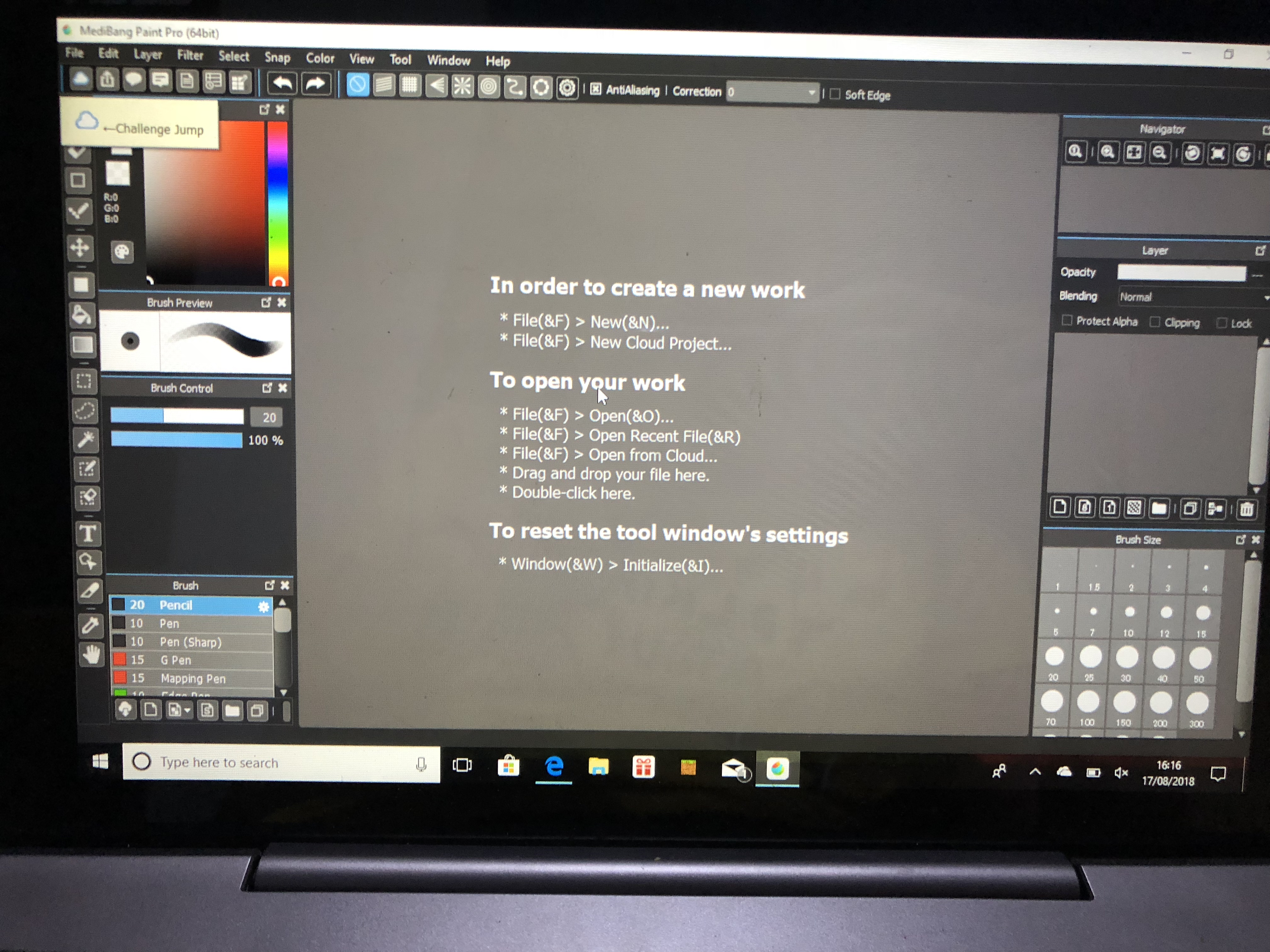
Lmao yesterday i was able to make hd skins in my iPhone with medibang and i downloaded medibang paint pro in my windows 10 so i can have hd skins also there (if i tried sending skins from my iPhone to windows 10,and i put it as my skin,it ends up as the skin being entirely black )
but everytime i tried downloading the pic and then all of a sudden i cant put it as my skin ._. it just doesnt pop up
i need help
89D9486D-B725-46BE-818F-2AB8D7F262CD.jpeg
 
I don't know much about MediBang issues but just asking
Did you save as "Transparent PNG?"
View reply.
 
I don't know much about MediBang issues but just asking
Did you save as "Transparent PNG?"
do you mean in my win10?
it doesn’t show anything like that
View reply.
 
okay, so after you've edited your skin to your liking, you save right? before you choose to save, make sure to change your file type to a png instead of a mdp.
2018-08-18 (8).png


then this should pop up! it should already be auto clicked on "transparent png" as anmo was talking about. click ok and wala~ xd you should be able to wear it now ;p
2018-08-18 (9).png
View reply.
 
okay, so after you've edited your skin to your liking, you save right? before you choose to save, make sure to change your file type to a png instead of a mdp.
View attachment 114739

then this should pop up! it should already be auto clicked on "transparent png" as anmo was talking about. click ok and wala~ xd you should be able to wear it now ;p
View attachment 114740
thanks alot Crystal!!:D
View reply.
 

Users Who Are Viewing This Thread (Total: 0, Members: 0, Guests: 0)

Back
Top