

- Jul 10, 2016
- 9,787
- 57,344
Hello!
This thread was made for new User that plan on getting active on the forums but do not know how too. Below you can find an table of contents that will help you navigate throughout this guide.
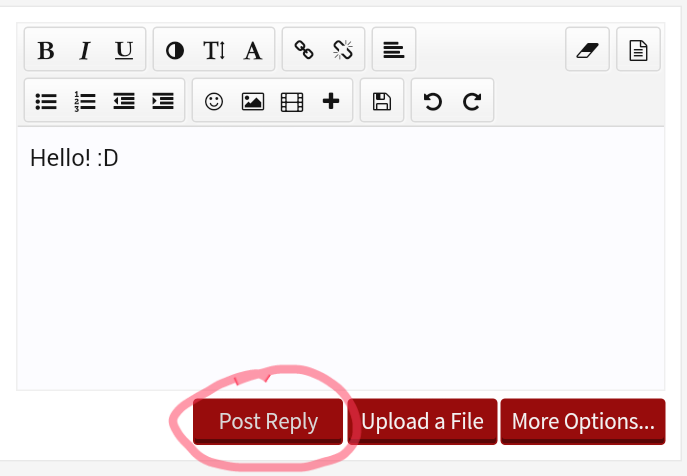
An post is an comment or an statement under an thread regarding the topic. Too post an post you most click the "Post Reply"
Tags
As you can see I put an @ in front of the users name. When you start typing the name the system gives you multi able options ( in most cases ) of users with these letters.
When you tag someone it will give them an alert. What is that? I will talk about that in an second.
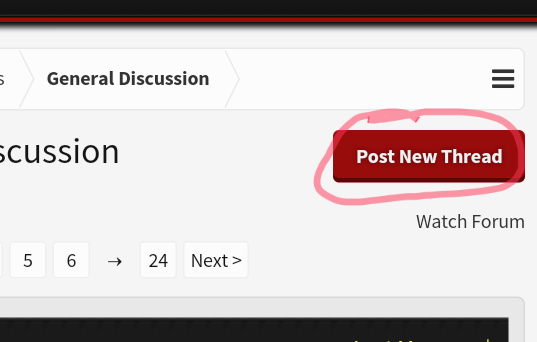
Right now for example you are viewing an "Thread". It is basically the first comment that starts an discussion and that people are giving feedback on. Threads are not as easily posted as comments or posts. You have more options. You need too choose an Post New Thread and an title to post the thread in and how users will find it.
There are four Ranks on the forums. New Member, Member, Active Member and Notable Member. You start as an New Member but work your way up to Notable. You get "Promoted" by getting an certain number of trophy points. These are the available Achievements to earn Trophy Points. Get all 113!
New Member - 0 messages
Member - 30 messages
Active Member - 60 messages
Notable Member - 160 messages
DON'T SPAM!
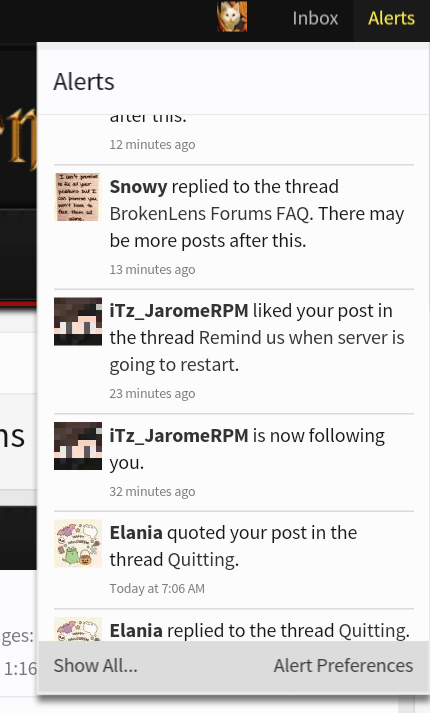
Alerts notify you when someone posted on a thread you are viewing, someone likes your post, someone tagged you, someone posted on an wall post or someone followed you!
Following people granted you too see when they are online way easier. Hence following Mods or Admins shows that you greatly appreciate their efforts of making this server an better place... Or just because you think their kind or funny.
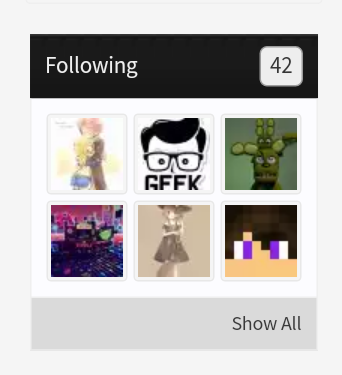
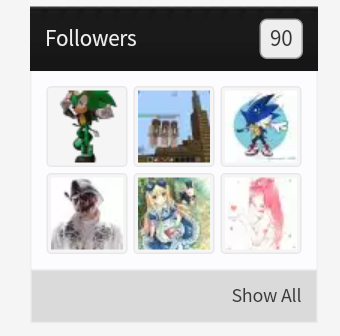
On your home pages it also shows how many followers you have.
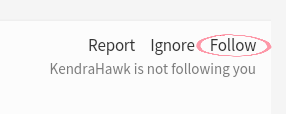
To Follow someone go on their page an click the "Follow" Button on the top right.
Liking an Post should have three reasons.
1. The Post was funny
2. The Post was kind and nice
3. The Posted was helpful
Please try not to post an Post that is neither of those three. You Like posts by clicking the "Like" Box at the right.
To create an avatar you must click your profile picture and avatar like this:
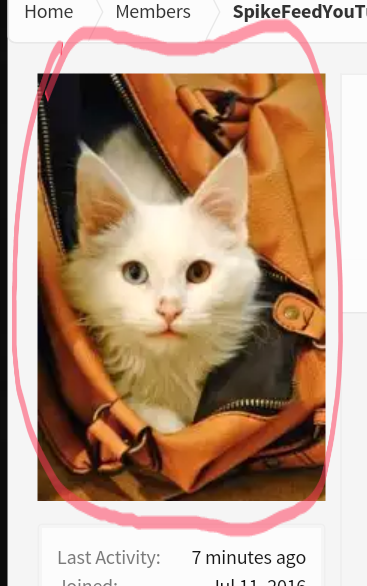
Then you click the "Avatar" Button at the bottom left.
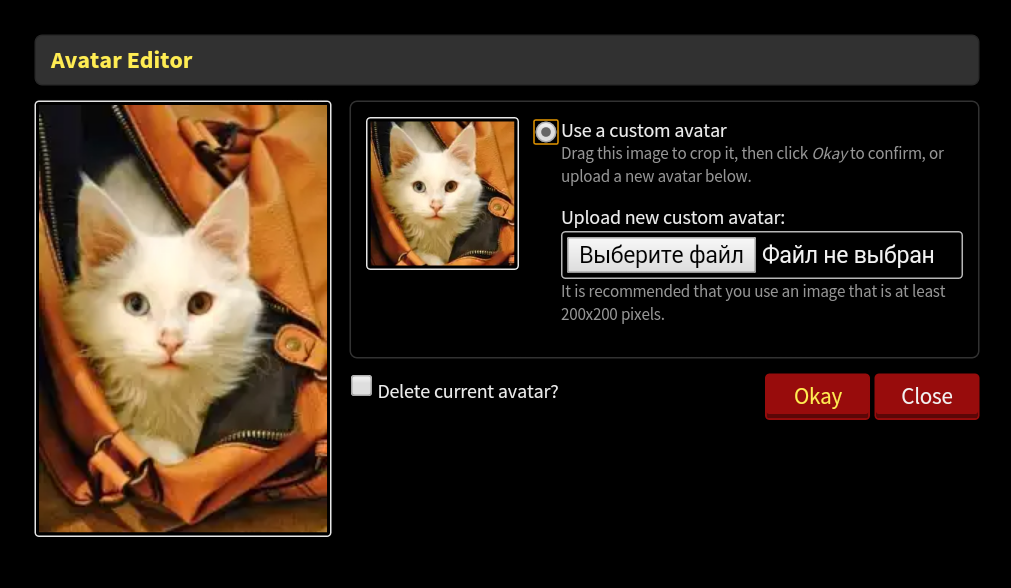
It will bring too this option. Now find an picture on the internet, create one or ask someone to make one. Then Upload it here.
Brokenlens Server Discussion: Talk about things on the Server!
• Bug Reports: Have you found an Bug? Post it here with Evidence!
• Report Hackers: There is an Hacker! Report him with Evidence here!
• Suggestions and Ideas: Do you have an idea for the server? Post it here!
• Map Submission: Have you created an Map for an minigame? Post it here!
• Ban Appeal: Do you regret your actions? Post an Appeal here!
• Introduce Yourself: Get to know the new kids!
• Minecraft: Talk About the Game an exchange cool infos!
• Off-Topic: Get CRAZY! ( But keep it child friendly )
Thank you for reading this!
~Spike <3 @OtherNewMembers!
This thread was made for new User that plan on getting active on the forums but do not know how too. Below you can find an table of contents that will help you navigate throughout this guide.
Table of Contents
Posts
Threads
Ranks
Alerts
Following
Likening
Avatars
Posts
Threads
Ranks
Alerts
Following
Likening
Avatars
Posts
Tags
As you can see I put an @ in front of the users name. When you start typing the name the system gives you multi able options ( in most cases ) of users with these letters.
When you tag someone it will give them an alert. What is that? I will talk about that in an second.
Threads
Ranks
New Member - 0 messages
Member - 30 messages
Active Member - 60 messages
Notable Member - 160 messages
DON'T SPAM!
Alerts
Following
On your home pages it also shows how many followers you have.
To Follow someone go on their page an click the "Follow" Button on the top right.
Likening
1. The Post was funny
2. The Post was kind and nice
3. The Posted was helpful
Please try not to post an Post that is neither of those three. You Like posts by clicking the "Like" Box at the right.
Avatars
Then you click the "Avatar" Button at the bottom left.
It will bring too this option. Now find an picture on the internet, create one or ask someone to make one. Then Upload it here.
Brokenlens Server Discussion: Talk about things on the Server!
• Bug Reports: Have you found an Bug? Post it here with Evidence!
• Report Hackers: There is an Hacker! Report him with Evidence here!
• Suggestions and Ideas: Do you have an idea for the server? Post it here!
• Map Submission: Have you created an Map for an minigame? Post it here!
• Ban Appeal: Do you regret your actions? Post an Appeal here!
• Introduce Yourself: Get to know the new kids!
• Minecraft: Talk About the Game an exchange cool infos!
• Off-Topic: Get CRAZY! ( But keep it child friendly )
Thank you for reading this!
~Spike <3 @OtherNewMembers!


