

Mr_CupQuake
Notable Member
- Oct 23, 2017
- 1,444
- 5,763
FAQ
___________________
Hi, some of the cases players or new forums users don't know how to change their password.
This tutorial might help you to know who can reset your password in both game and also on forums.
Firstly, if you already forgot your password in your minecraft username, you should always provide a proof that you own that account.
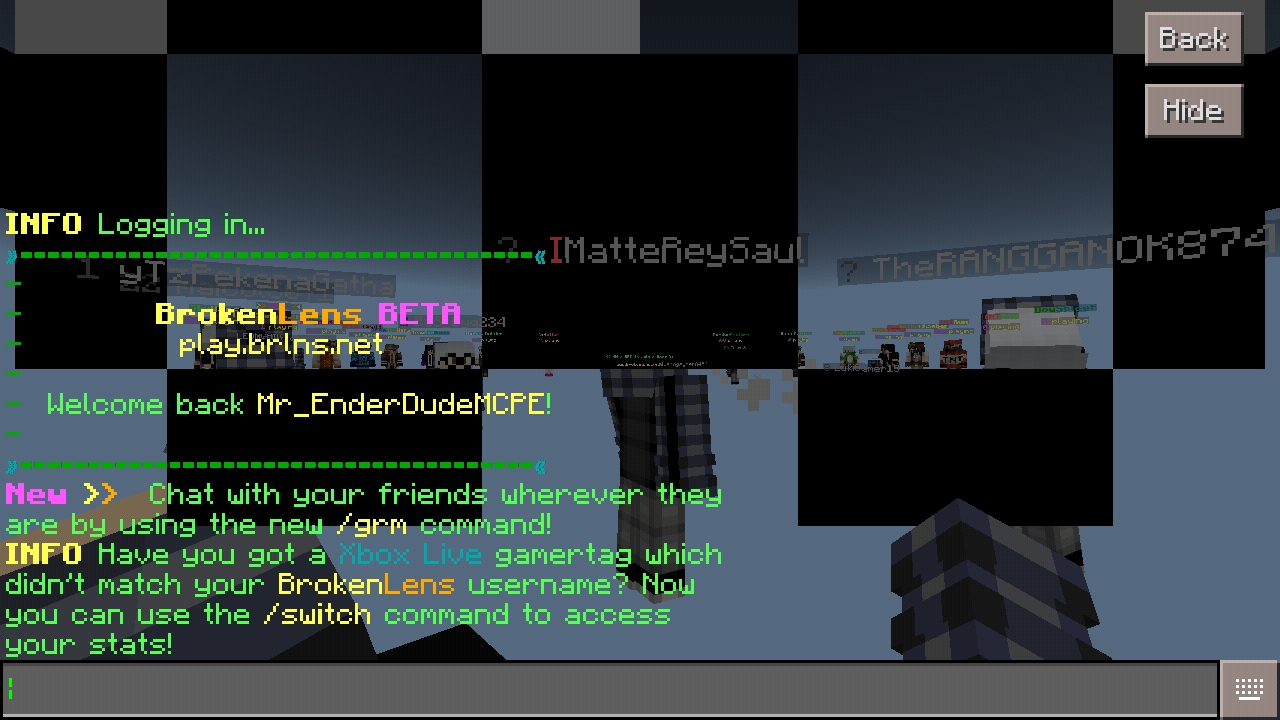
Second, you can tell the staff members your stats that you only remember, not to be exact but a little bit close to it.
If you think you have followed this two, you are free to tag staff members.
But, you will just tag the following
You can tag them by adding @ then their username on forums.
___
Now, on the forums.
Sometimes new members on forums don't know how to change their password.
No need to call a staff to change your forums password, you can change it all by your own. By doing this following
First, click your page or profile page
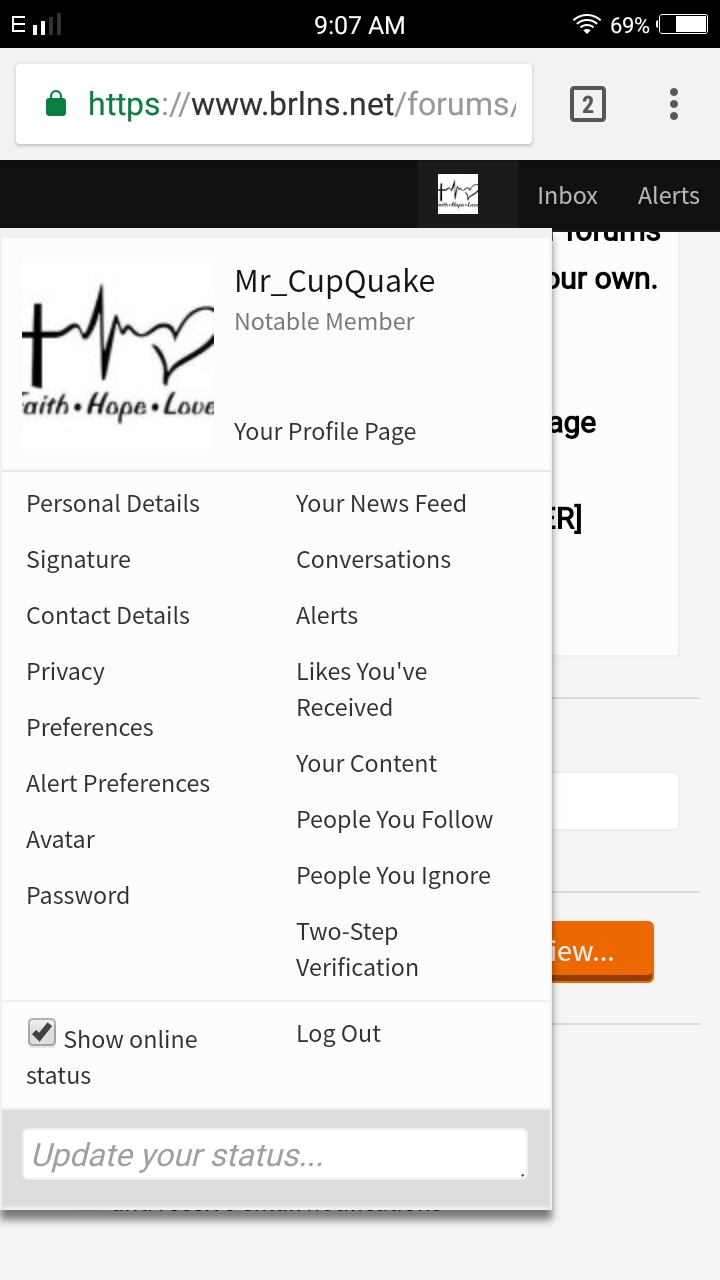
When done clicking it, go to Password.
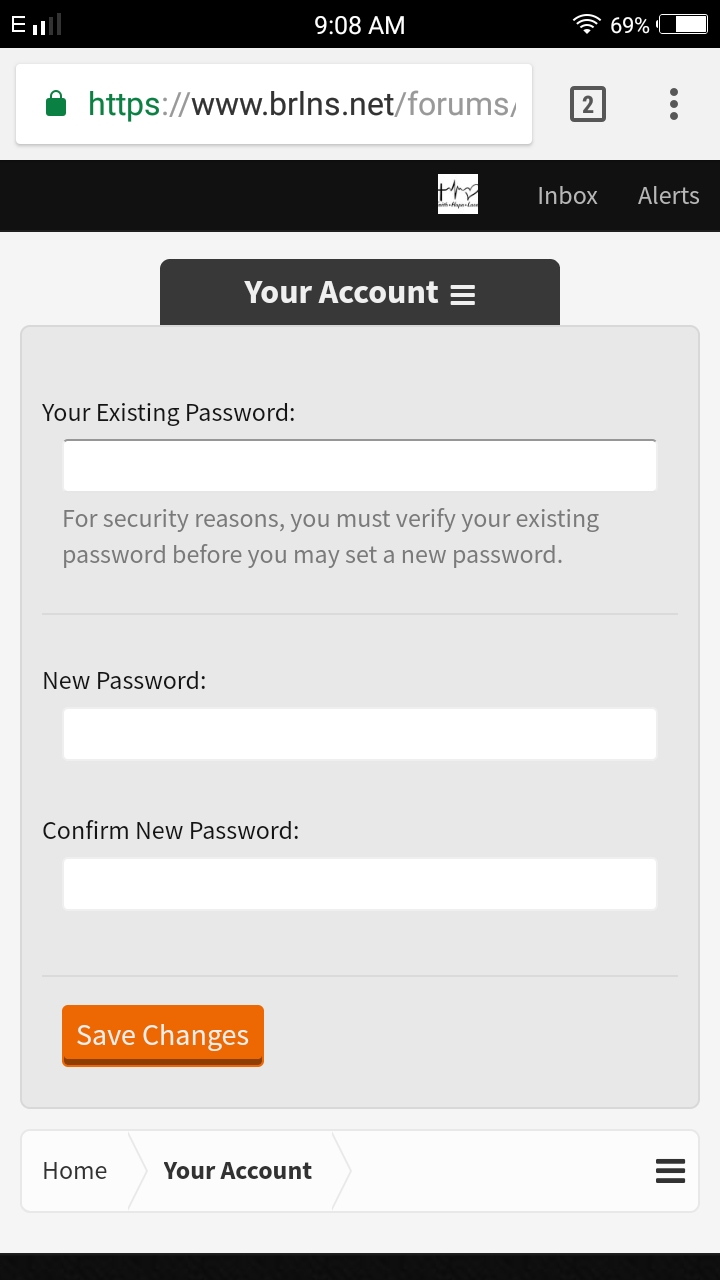
Then, type your existing password. This means type your password that you are using today.
After typing the password that you use. Proceed to the New Password. Be sure the existing password is correct.
After typing your new password. Just type your new password to confirm password
Confirm password will check if the new password has the same password as you type into it.
Once you are done. Click the save changes. Be sure you remember your existing password.
If you already logged out then you try to comeback again. All you need to do is to type the new password that you made.
Again hope this tutorial helped you alot. Thanks for your time to read this and i am glad that i helped you!
Good day!
[Mr_CupQuake]
___________________
Hi, some of the cases players or new forums users don't know how to change their password.
This tutorial might help you to know who can reset your password in both game and also on forums.
Firstly, if you already forgot your password in your minecraft username, you should always provide a proof that you own that account.
Second, you can tell the staff members your stats that you only remember, not to be exact but a little bit close to it.
If you think you have followed this two, you are free to tag staff members.
But, you will just tag the following
Admins : WarriorGirl3333, Springtrap_123, edwjusti
Global moderators : Laura_Aria, Ray_Palmer_Atom, ssunsett, HazardTheDutchAD (Hazard is a sectional mod on forums but mod on the server)
You can tag them by adding @ then their username on forums.
___
Now, on the forums.
Sometimes new members on forums don't know how to change their password.
No need to call a staff to change your forums password, you can change it all by your own. By doing this following
First, click your page or profile page
When done clicking it, go to Password.
Then, type your existing password. This means type your password that you are using today.
After typing the password that you use. Proceed to the New Password. Be sure the existing password is correct.
After typing your new password. Just type your new password to confirm password
Confirm password will check if the new password has the same password as you type into it.
Once you are done. Click the save changes. Be sure you remember your existing password.
If you already logged out then you try to comeback again. All you need to do is to type the new password that you made.
Again hope this tutorial helped you alot. Thanks for your time to read this and i am glad that i helped you!
Good day!
[Mr_CupQuake]
Last edited:


 Premium players can spy on other players' stats as well xD

