

Timeless~
Notable Member
- Jun 3, 2017
- 2,074
- 21,333
The title is so long lol.
This creation today is kinda simple
An animal trap :/
First dig a hole like this and fill it with command blocks:
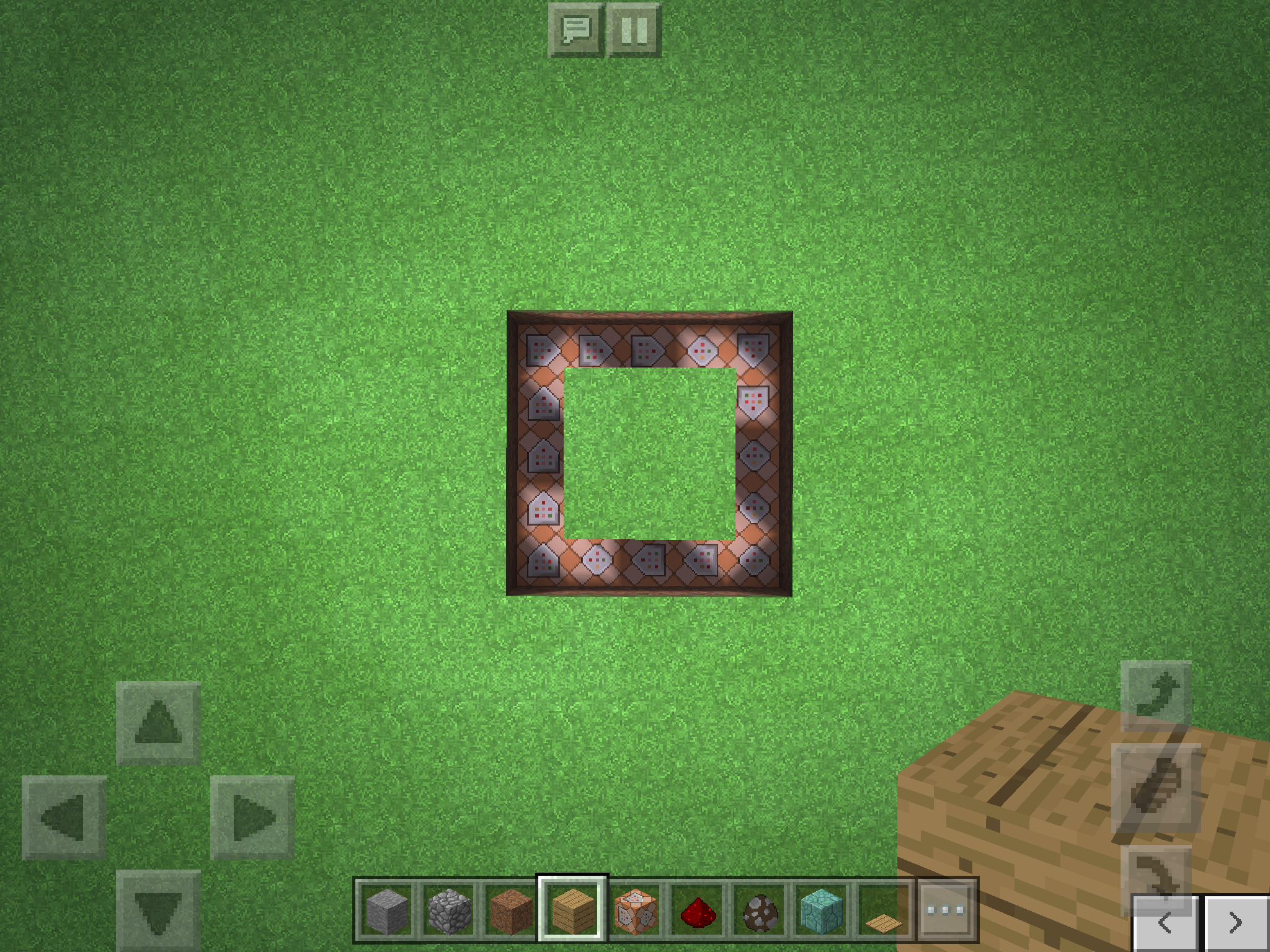
Go to your notes and type this:
/tp @e[type=mobyouwant] [and the place where you are going to to the mob you want like 55 2 -51]
ex. /tp @e[type=cow] 55 2 -51
So you can copy it
Then go to your command blocks and paste it using the clipboard thingy icon on your keyboard.
Then put a block over the command blocks, then put wooden plates, and then put fences on the center just like this:
http://m.imgur.com/h7tISxM
It's really simple cause' I'm doing something probably a crazy command block creation.
This creation today is kinda simple
An animal trap :/
First dig a hole like this and fill it with command blocks:
Go to your notes and type this:
/tp @e[type=mobyouwant] [and the place where you are going to to the mob you want like 55 2 -51]
ex. /tp @e[type=cow] 55 2 -51
So you can copy it
Then go to your command blocks and paste it using the clipboard thingy icon on your keyboard.
Then put a block over the command blocks, then put wooden plates, and then put fences on the center just like this:
http://m.imgur.com/h7tISxM
It's really simple cause' I'm doing something probably a crazy command block creation.
