• Guest, To prevent spam, the BrokenLens Forums are not accepting new registrations at this time.

/Afk Command + Map

x_MqGaNē

Notable Member
Emerald Member
Joined
Mar 9, 2018
Messages
1,754
Reaction score
3,930
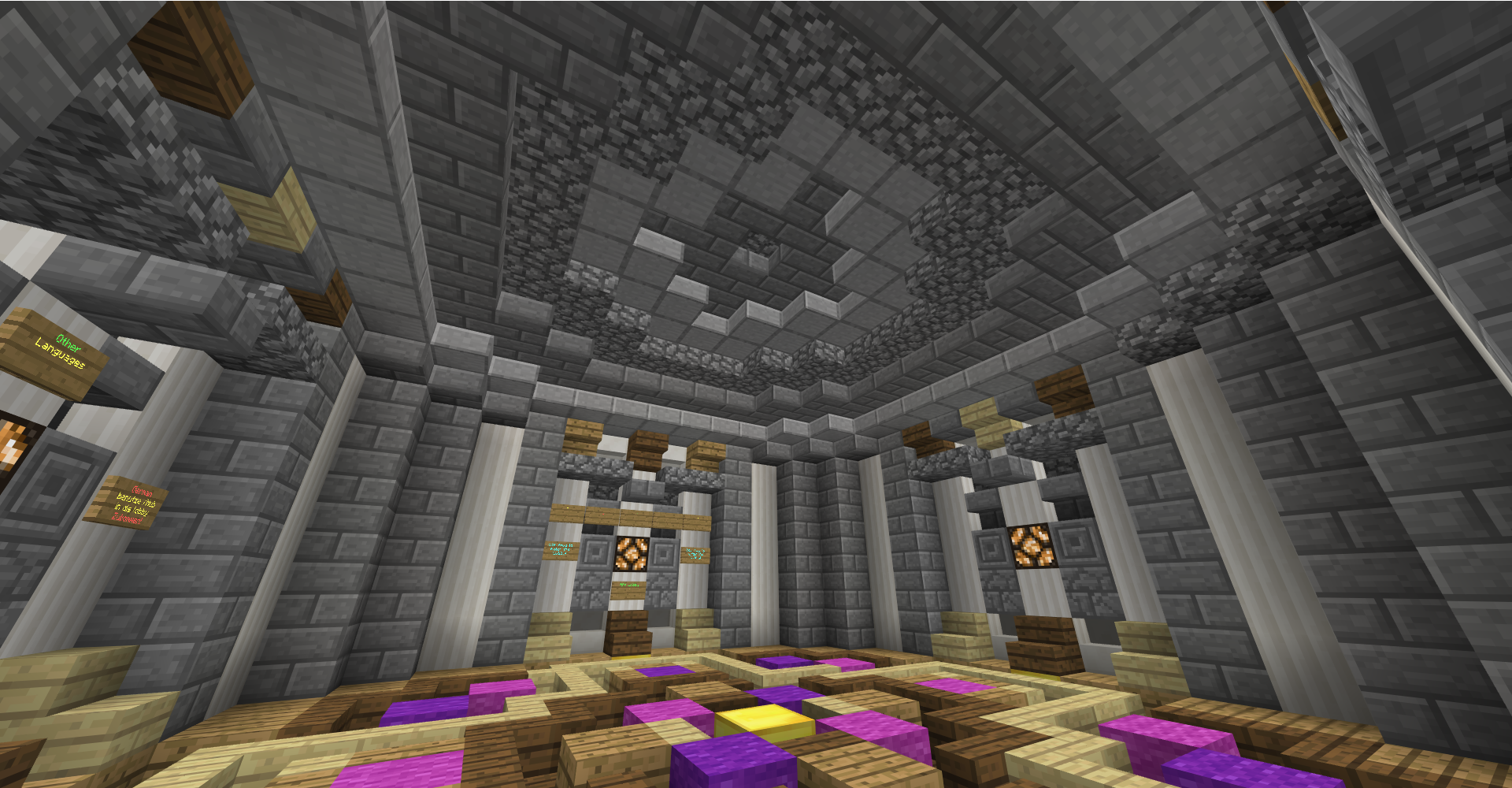
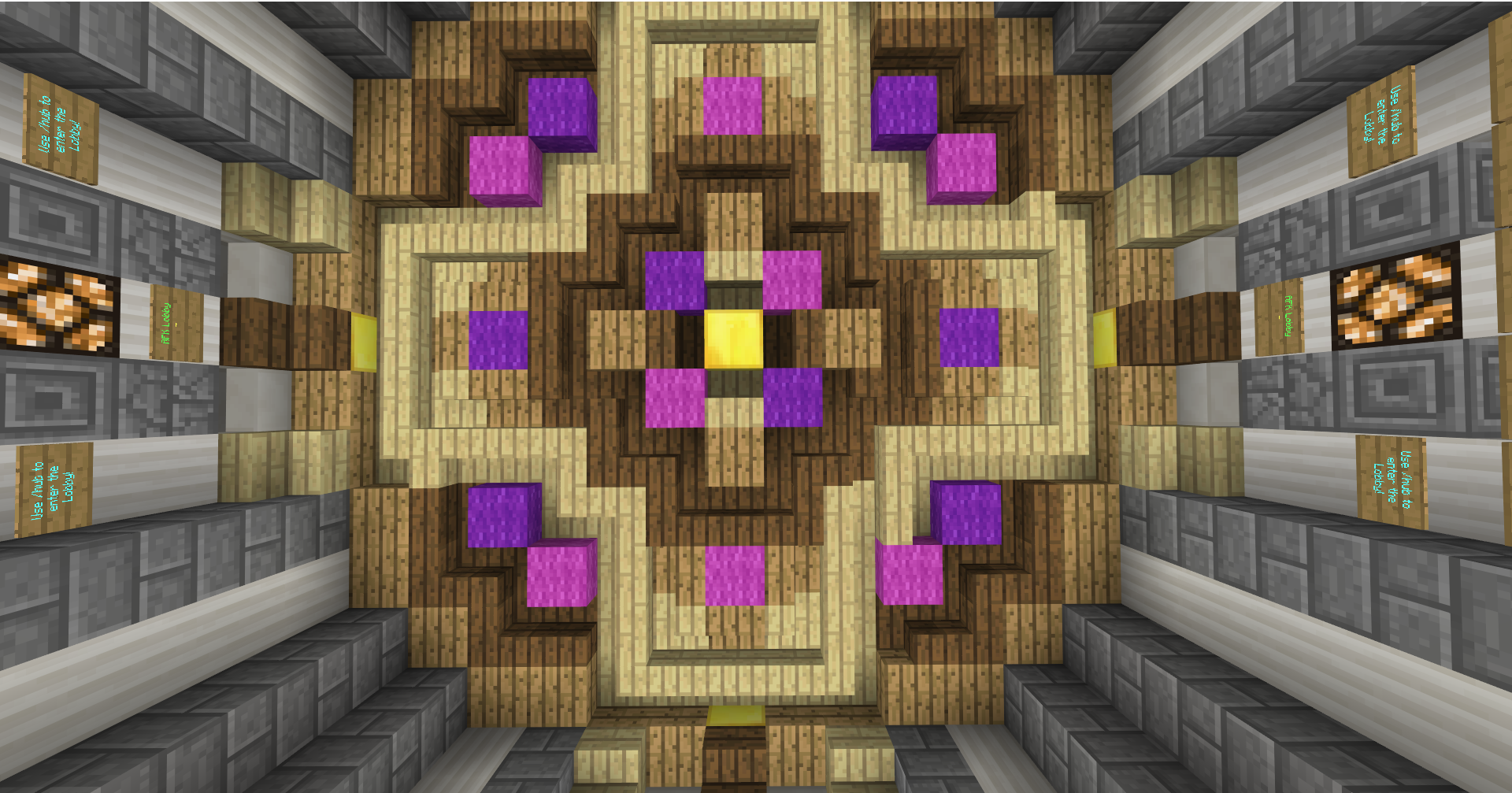
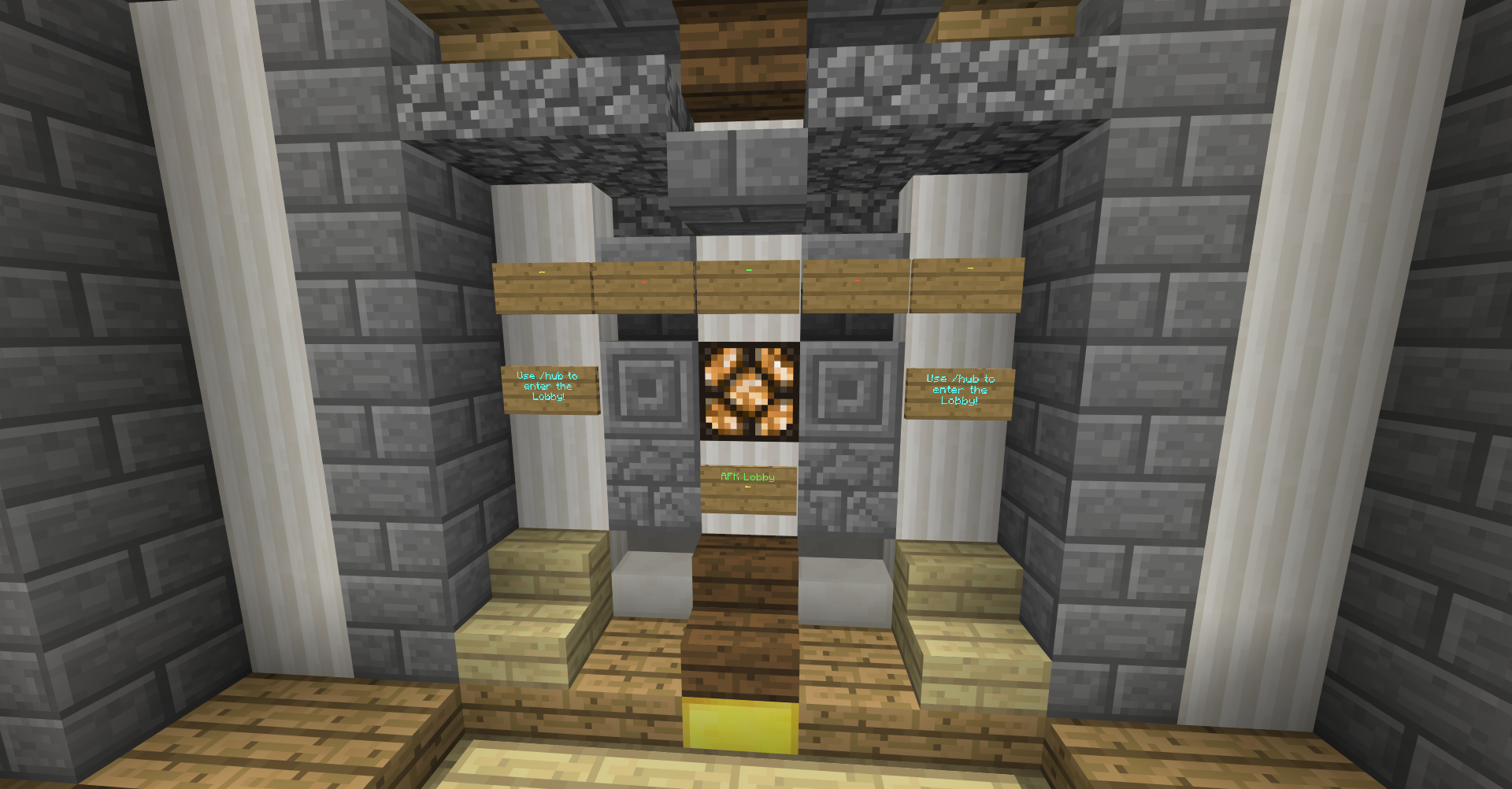
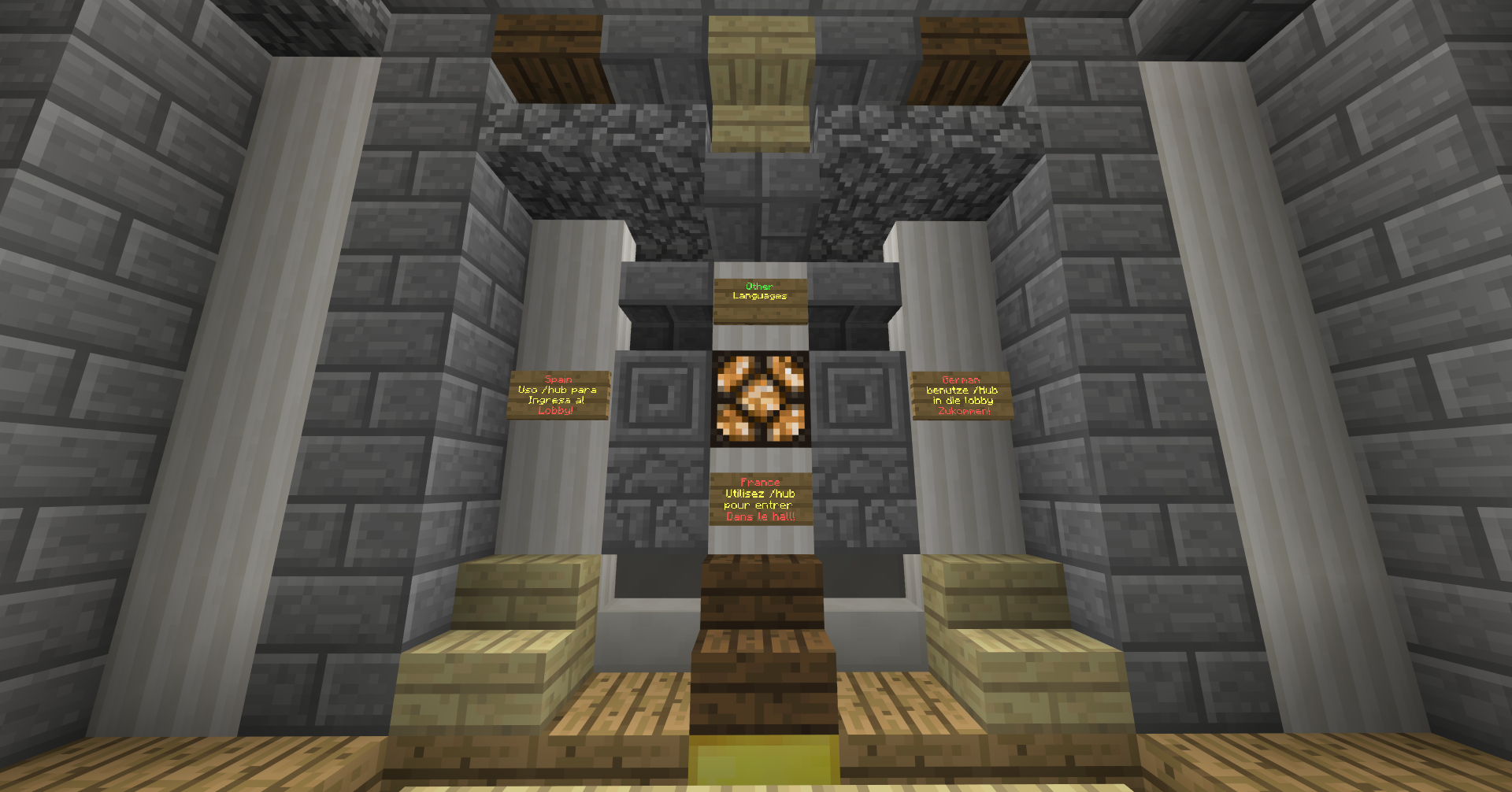
Name : AFK Hub

Screenshot (268).png
Screenshot (271).png
Screenshot (270).png
Screenshot (273).png


Idk if its small,
----------------------------------------------------------------------------------------------------


it would be cool if vertx creates a new command.

The users are afk and about 20 to 30 minutes in the lobby, are sent to this small lobby.

Command: </ AFK>
Lobby: </ Hub>

Info :

The lobby is for one person only, the staff can create multiple lobby
and create as many lobbies as possible.
! :

I do not copy another server that already has it, Like Hypickle.

DOWNLOAD???!! :

Sorry, I know how it works but unfortunately I do not know how it works on the PC.
 
Name : AFK Hub

View attachment 100417 View attachment 100418 View attachment 100419 View attachment 100420

Idk if its small,
----------------------------------------------------------------------------------------------------


it would be cool if vertx creates a new command.

The users are afk and about 20 to 30 minutes in the lobby, are sent to this small lobby.

Command: </ AFK>
Lobby: </ Hub>

Info :

The lobby is for one person only, the staff can create multiple lobby
and create as many lobbies as possible.
! :

I do not copy another server that already has it, Like Hypickle.

DOWNLOAD???!! :

Sorry, I know how it works but unfortunately I do not know how it works on the PC.
aight so u can get this app on your PC called "MediaFire" or just go to their website and upload the file of the world then copy and paste the link in here. To get to file of the world, I believe all u have to do is go to your file manager, click "windows C:" "program files" not the x32 one, scroll down to "WindowsApps" then scroll down to you see Minecraft.UWP.(version of Minecraft)" then click "games" "com.mojang" "data" "world's" then find the name of the world and rename the last part .mcpack and there u go ;P


theres probably a simpler way but this is how i always did it xd
View reply.
 
aight so u can get this app on your PC called "MediaFire" or just go to their website and upload the file of the world then copy and paste the link in here. To get to file of the world, I believe all u have to do is go to your file manager, click "windows C:" "program files" not the x32 one, scroll down to "WindowsApps" then scroll down to you see Minecraft.UWP.(version of Minecraft)" then click "games" "com.mojang" "data" "world's" then find the name of the world and rename the last part .mcpack and there u go ;P


theres probably a simpler way but this is how i always did it xd
Mcpack?
View reply.
 

Users Who Are Viewing This Thread (Total: 0, Members: 0, Guests: 0)

Back
Top