
Navigation
Install the app
How to install the app on iOS
Follow along with the video below to see how to install our site as a web app on your home screen.
Note: This feature may not be available in some browsers.
More options
Style variation
You are using an out of date browser. It may not display this or other websites correctly.
You should upgrade or use an alternative browser.
You should upgrade or use an alternative browser.
How do you put a picture in your info?
- Thread starter addi
- Start date

addi
Notable Member
- Oct 10, 2019
- 2,850
- 59,118
- Thread starter
- #2
Uh, @_PineappleDeath_ or @ssunsett ? Anyone? XD
View reply.

- Nov 16, 2017
- 24,449
- 172,008
I’m not too sure how to add photos, I know how to add gifs but not on Android qwq
View reply.

- Nov 20, 2018
- 2,933
- 48,795
Soo for me idk an easier way xD but here it goesI've done everything I swear, I cannot figure out how to put a picture in your information. Does anyone know how?
1. Put out the photo somewhere (dead convo, a thread, etc.) (unless you have the link if it’s something online)
2. Open a tab for forums (I use my own screen shots so ye I put mine in a dead convo and then open a second tab of forums to copy and paste lol)
3. Copy and paste the photo into the URL bar that pops up from the image icon in the typing box
4. Press done and see if it works!
If this confuses you, let me know and I’ll try making it easier xD
For me this worked cuz one of my spoilers in my signature has a photo xD

- Nov 20, 2018
- 2,933
- 48,795
Yeah xDis it supposed to just have the link? Or should the photo show up?
I edited the 3rd step so it makes more sense xD
- Nov 20, 2018
- 2,933
- 48,795
K ima just put that step here xD
Ye it should have a link there’s just no other way for some reason xD
Basically on touch screen just hold down on the photo until it lets you drag it around; that way you can drag it to your second forum tab and then drag the photo and place it over the link bar (it should have a button saying “paste”) and press the past button, and then you have a link! Press save ofc to save it and see if it works when you view it xD
View reply.
Ye it should have a link there’s just no other way for some reason xD
Basically on touch screen just hold down on the photo until it lets you drag it around; that way you can drag it to your second forum tab and then drag the photo and place it over the link bar (it should have a button saying “paste”) and press the past button, and then you have a link! Press save ofc to save it and see if it works when you view it xD

- Sep 15, 2019
- 9,698
- 39,397
Think u need the url u do that by wait...I've done everything I swear, I cannot figure out how to put a picture in your information. Does anyone know how?
- Sep 15, 2019
- 9,698
- 39,397
If ur doing this on an iPad of iPhone device, then do this by pressing on the photo and then it says this
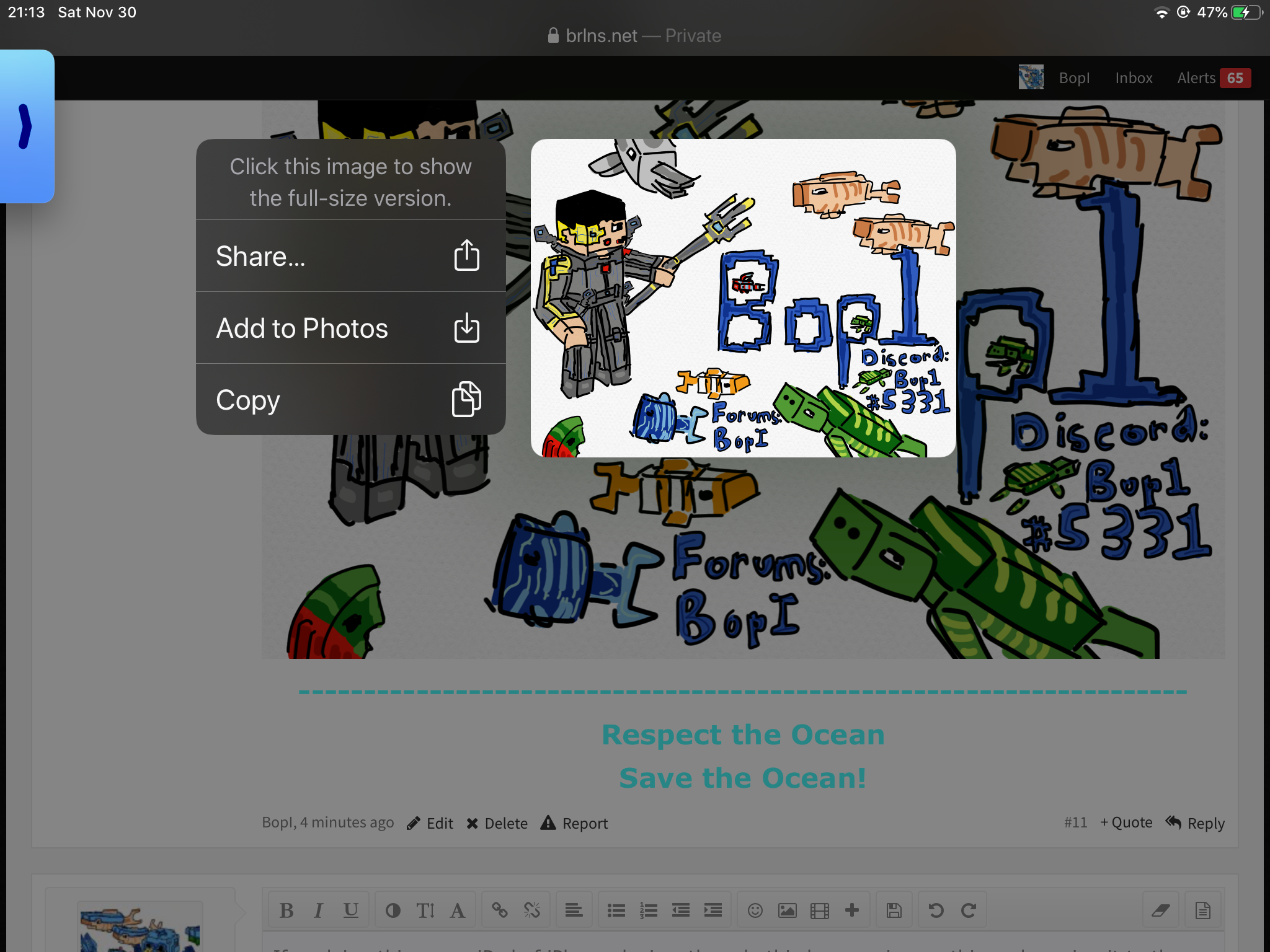
Do “click to show full size version and it will come to this

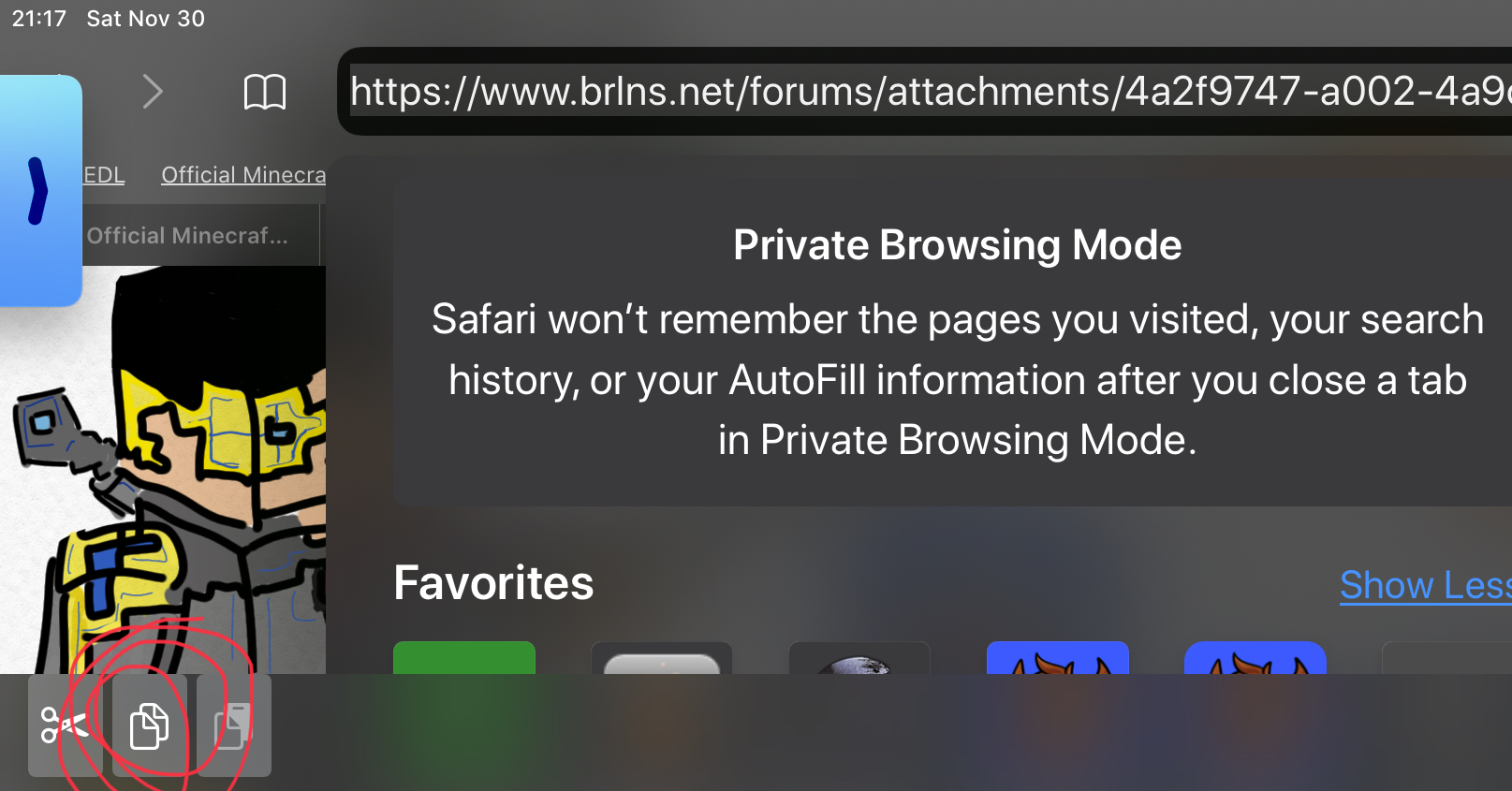
Then, copy it
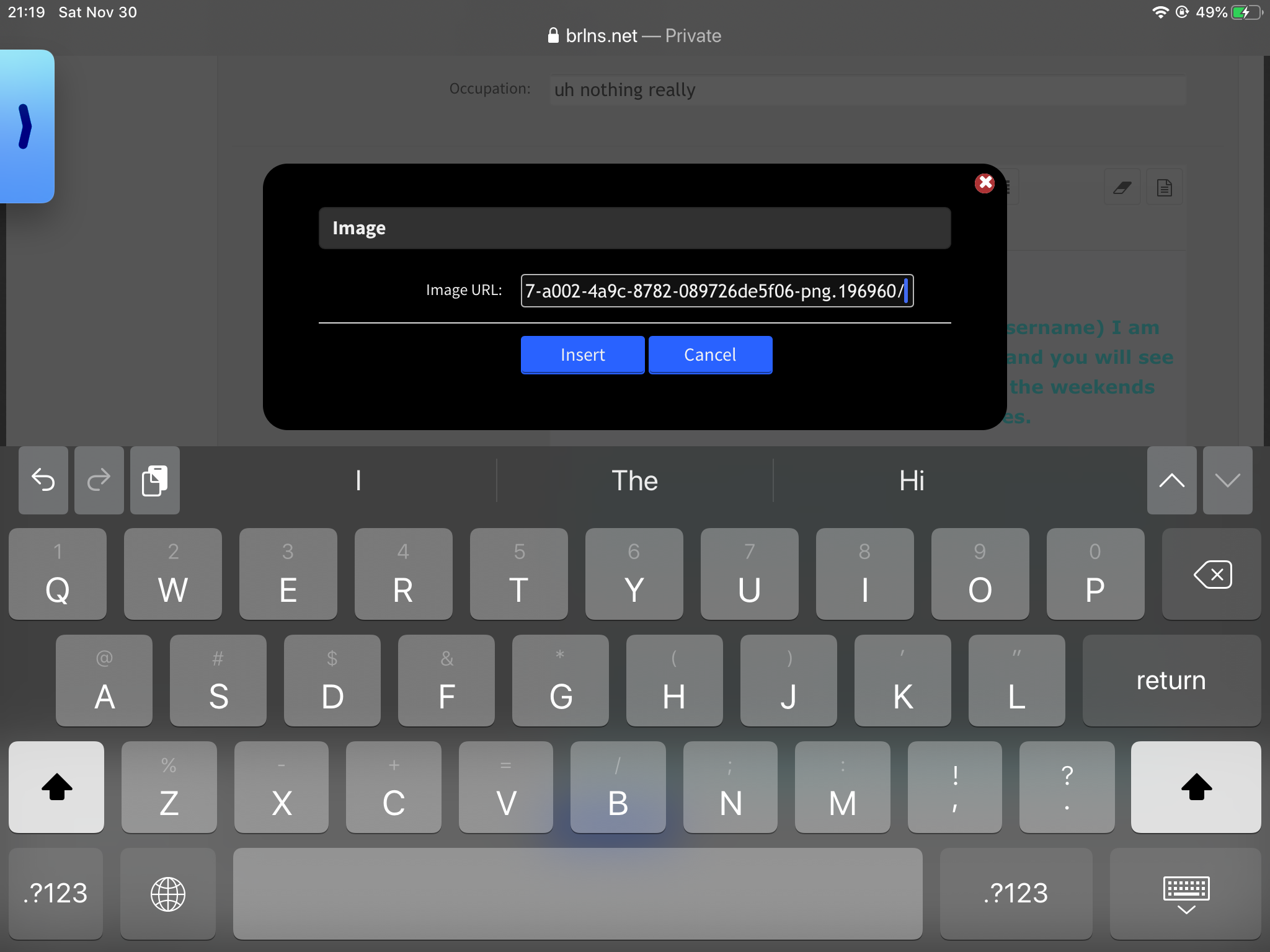
and, insert it in here
or, if it is from the web, then do this
Search it up
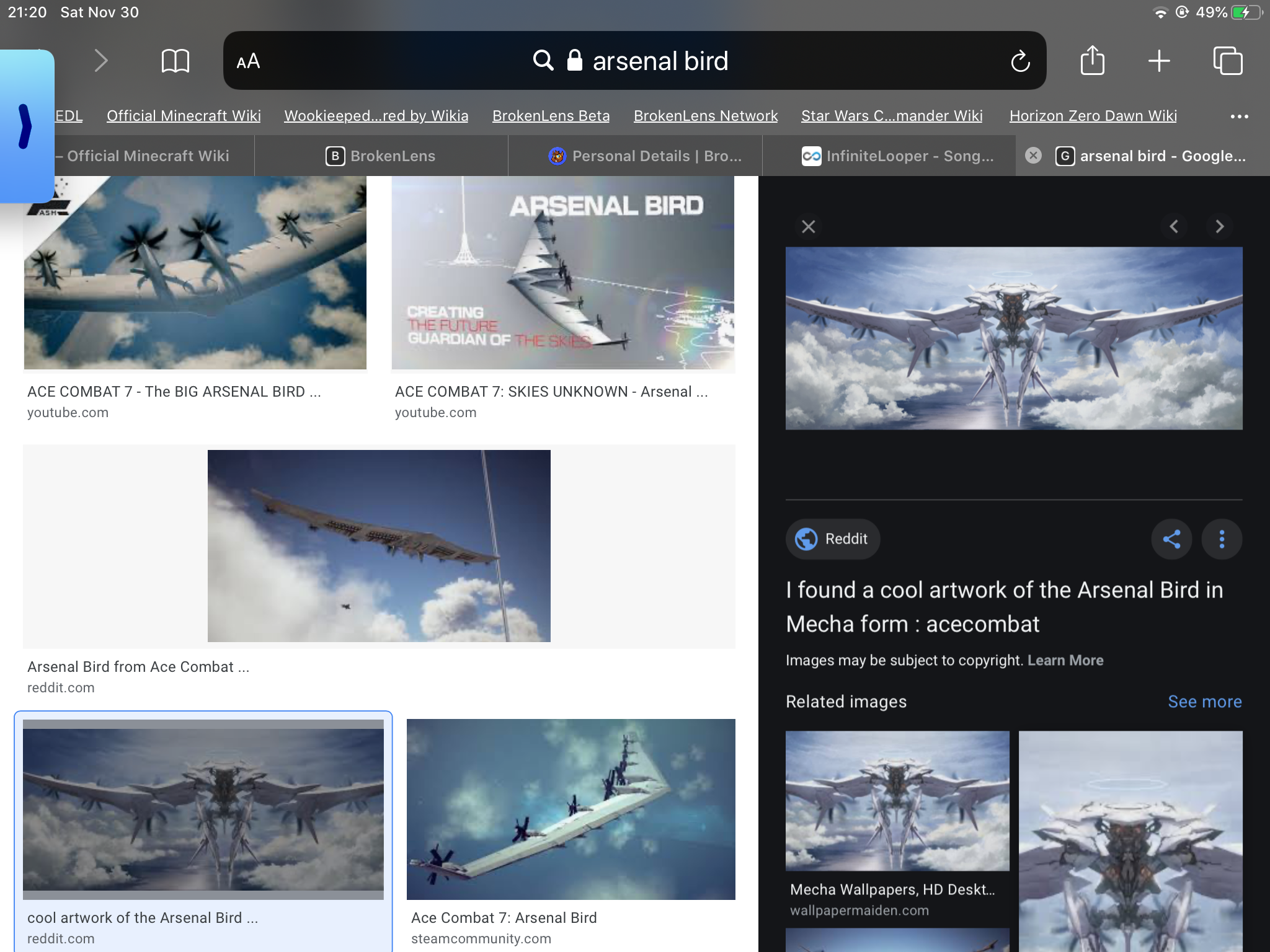
and then take a screenshot of the thing and crop it, like I did.

View reply.
Do “click to show full size version and it will come to this
Then, copy it
and, insert it in here
or, if it is from the web, then do this
Search it up
and then take a screenshot of the thing and crop it, like I did.
Attachments
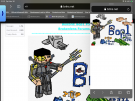
- Sep 15, 2019
- 9,698
- 39,397
If ur doing this on an iPad of iPhone device, then do this by pressing on the photo and then it says this
View attachment 203507
Do “click to show full size version and it will come to this
View attachment 203510
Then, copy it
View attachment 203511
and, insert it in here
View attachment 203512
or, if it is from the web, then do this
Search it up
View attachment 203513
and then take a screenshot of the thing and crop it, like I did.
View attachment 203509
View reply.
View attachment 203507
Do “click to show full size version and it will come to this
View attachment 203510
Then, copy it
View attachment 203511
and, insert it in here
View attachment 203512
or, if it is from the web, then do this
Search it up
View attachment 203513
and then take a screenshot of the thing and crop it, like I did.
View attachment 203509