

- Dec 16, 2019
- 2,234
- 31,843
Hello! This is my Second tutorial. I'm not that great at texturing and gradient but here it is.
First: You should think about what concept your want your build to look like. (Ex. Castles: Typically uses gray blocks with wood and similar colored blocks for the roof)
Second: Form your block palette. U can use this site https://1280px.github.io/hueblocks/ for forming your color palette, I found it very useful and might make a map involving gradients xd. I'm gonna use this block palette generated by mentioned site.

Third: Measure how you want it to blend. If you want it to be more of this block other than this block for your build. For this one I like to widen the coverage of the green concrete other than the other blocks and lessen the coverage of the lighter blocks.
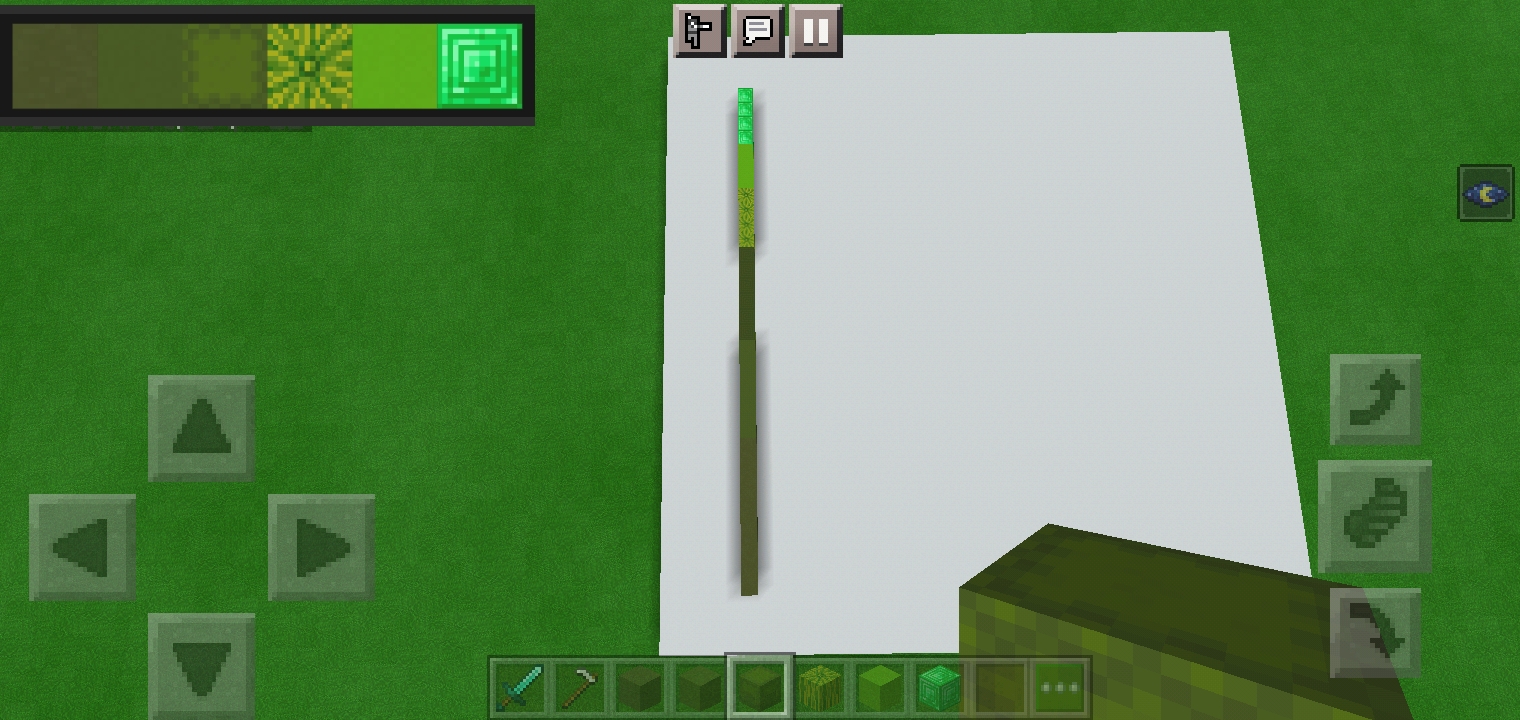
Fourth: Begin doing the gradient. Make sure to be random on doing your gradient, start with the bottom to the top.
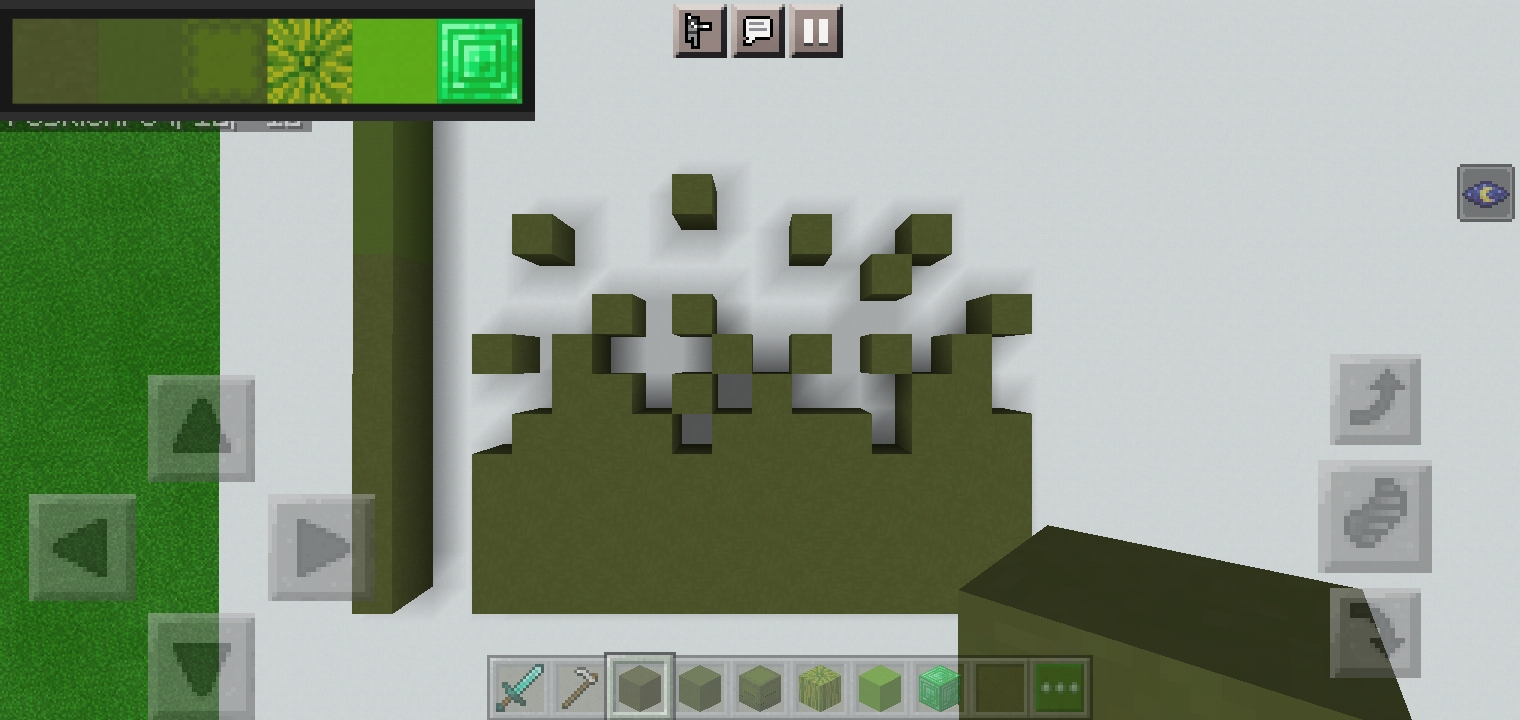
Continue doing this with the blocks you picked and it should turn out like this.
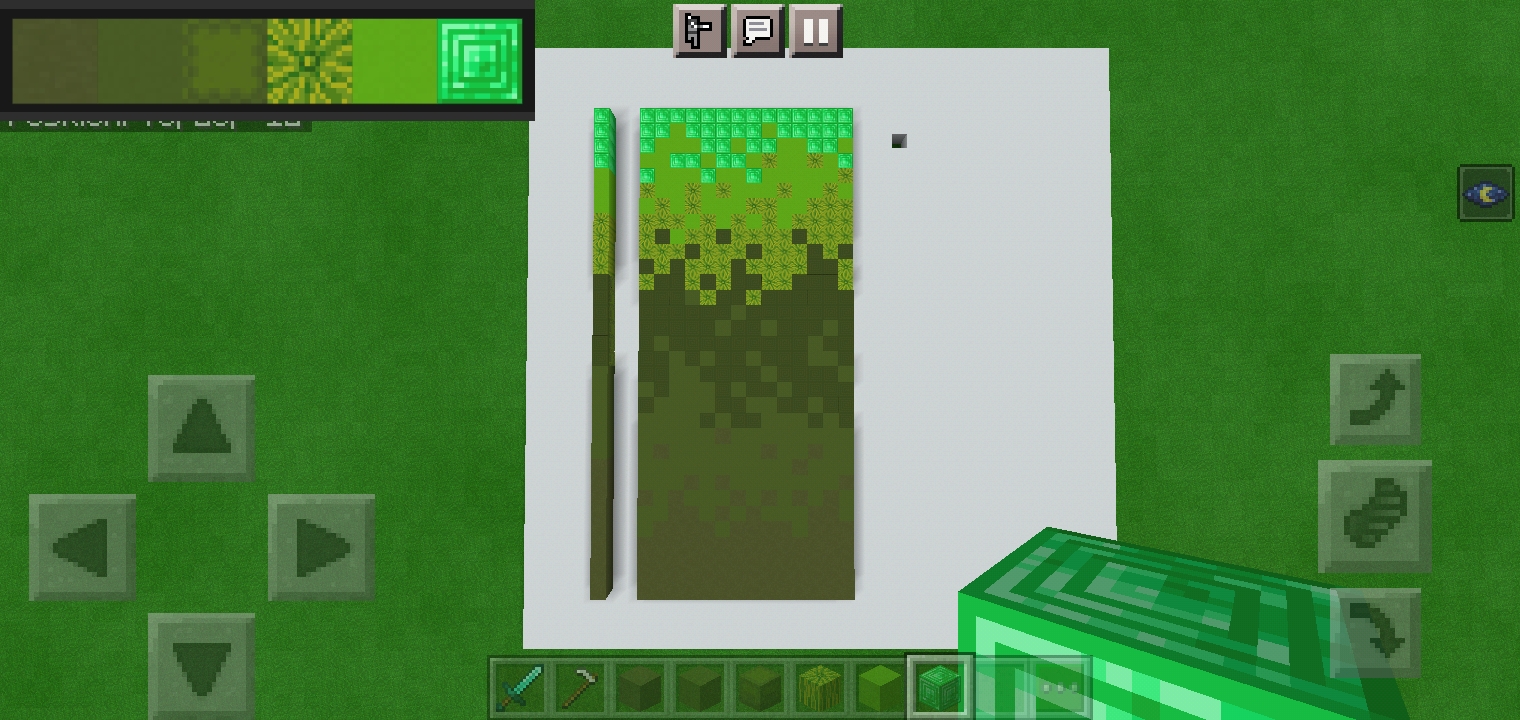
(Sadly, the shulker box looks dark because it is automatically placed upside down because of a certain bug)
Fifth: Gradient Done!!!! Gradient are useful for making your builds looks much interestingg, it gives depth by giving it depth of color rather than moving of the walls xD. I'm a builder ofcourse and this are my own pov but I decided to give it a try
Before gradient:
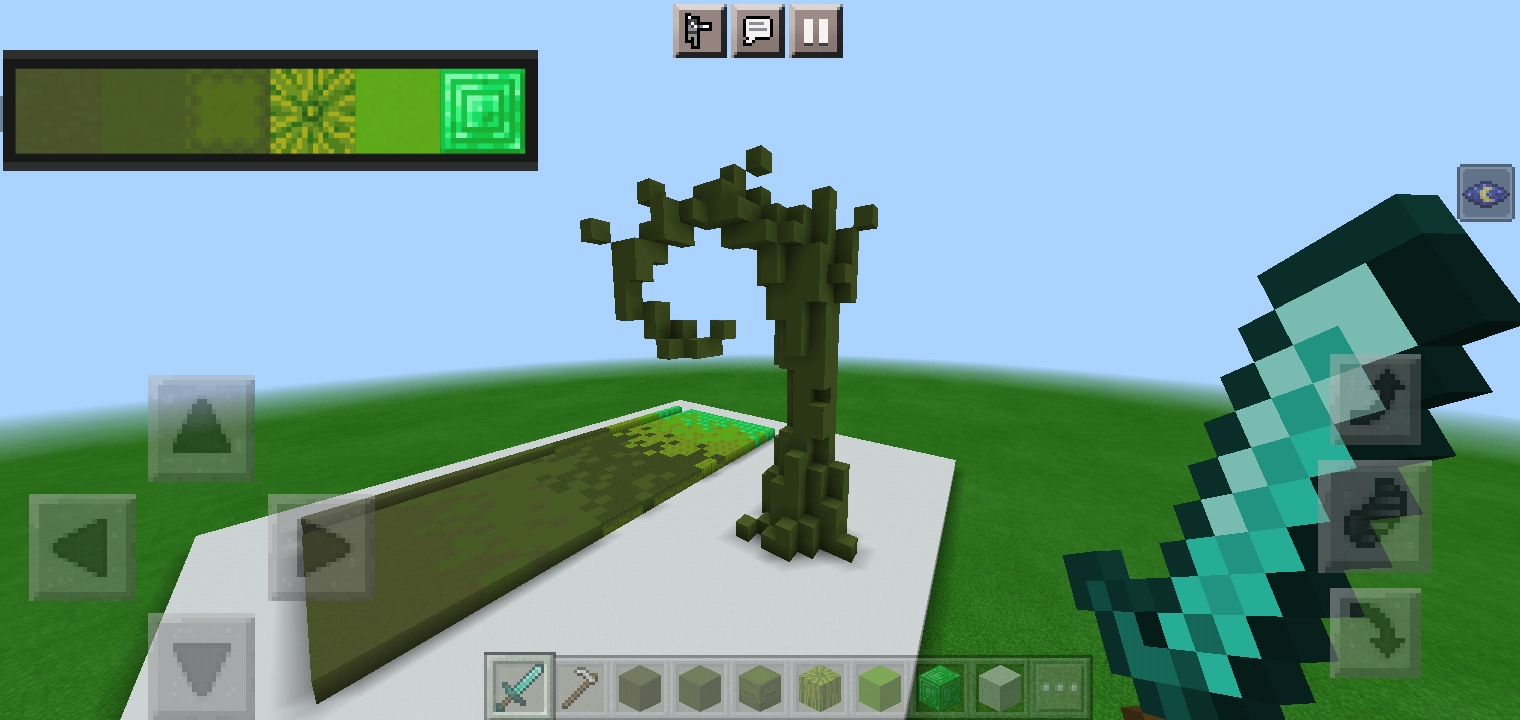
Very Bland, doesnt really look good and not interesting at all. Only the shape makes it interesting. (Definitely not made it 3-5 mins)
After gradient:
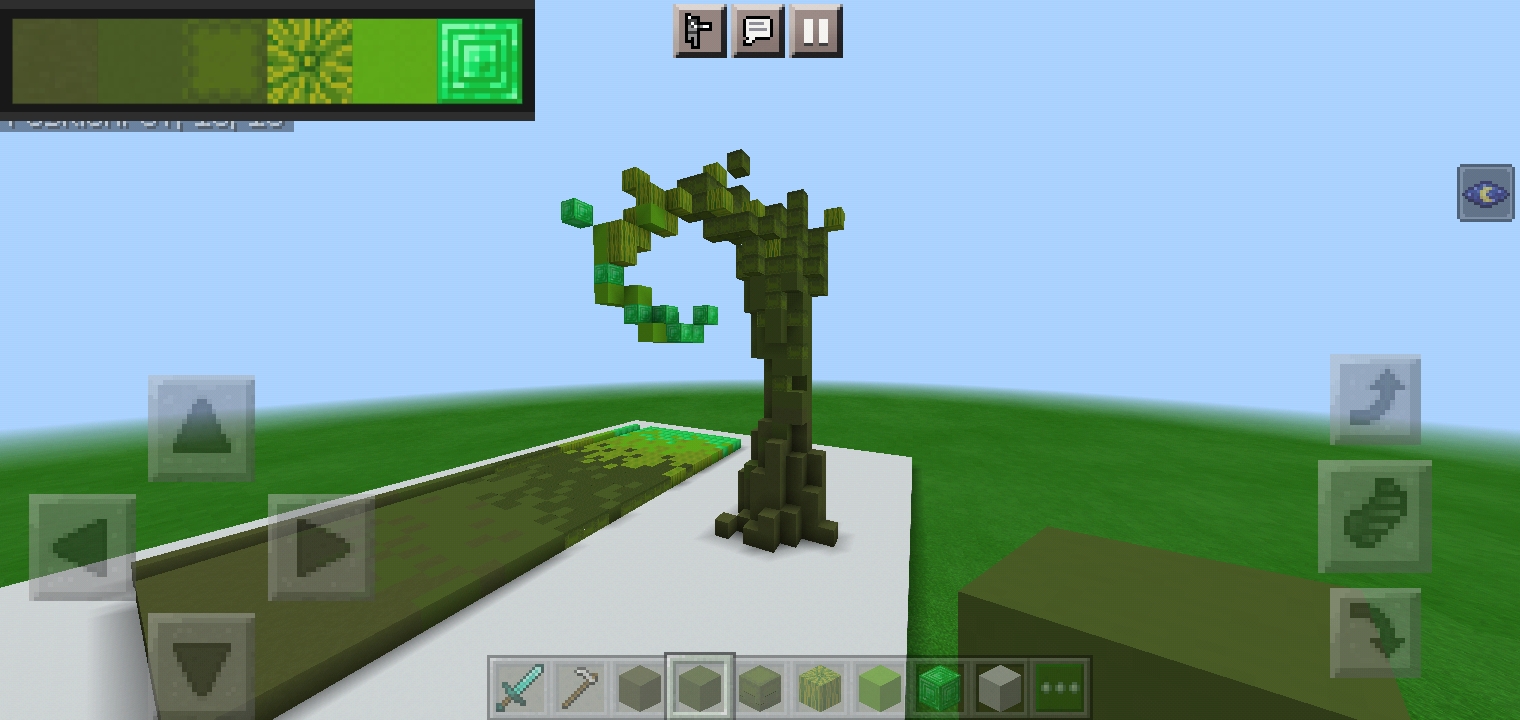
Pretty! Might make a map with it ngl i didnt expect it to look that good, definitely interesting.
I hope yall can find it useful xd
First: You should think about what concept your want your build to look like. (Ex. Castles: Typically uses gray blocks with wood and similar colored blocks for the roof)
Second: Form your block palette. U can use this site https://1280px.github.io/hueblocks/ for forming your color palette, I found it very useful and might make a map involving gradients xd. I'm gonna use this block palette generated by mentioned site.
Third: Measure how you want it to blend. If you want it to be more of this block other than this block for your build. For this one I like to widen the coverage of the green concrete other than the other blocks and lessen the coverage of the lighter blocks.
Fourth: Begin doing the gradient. Make sure to be random on doing your gradient, start with the bottom to the top.
Continue doing this with the blocks you picked and it should turn out like this.
(Sadly, the shulker box looks dark because it is automatically placed upside down because of a certain bug)
Fifth: Gradient Done!!!! Gradient are useful for making your builds looks much interestingg, it gives depth by giving it depth of color rather than moving of the walls xD. I'm a builder ofcourse and this are my own pov but I decided to give it a try
Before gradient:
Very Bland, doesnt really look good and not interesting at all. Only the shape makes it interesting. (Definitely not made it 3-5 mins)
After gradient:
Pretty! Might make a map with it ngl i didnt expect it to look that good, definitely interesting.
Ofcourse in a grian matter. There's no back xD
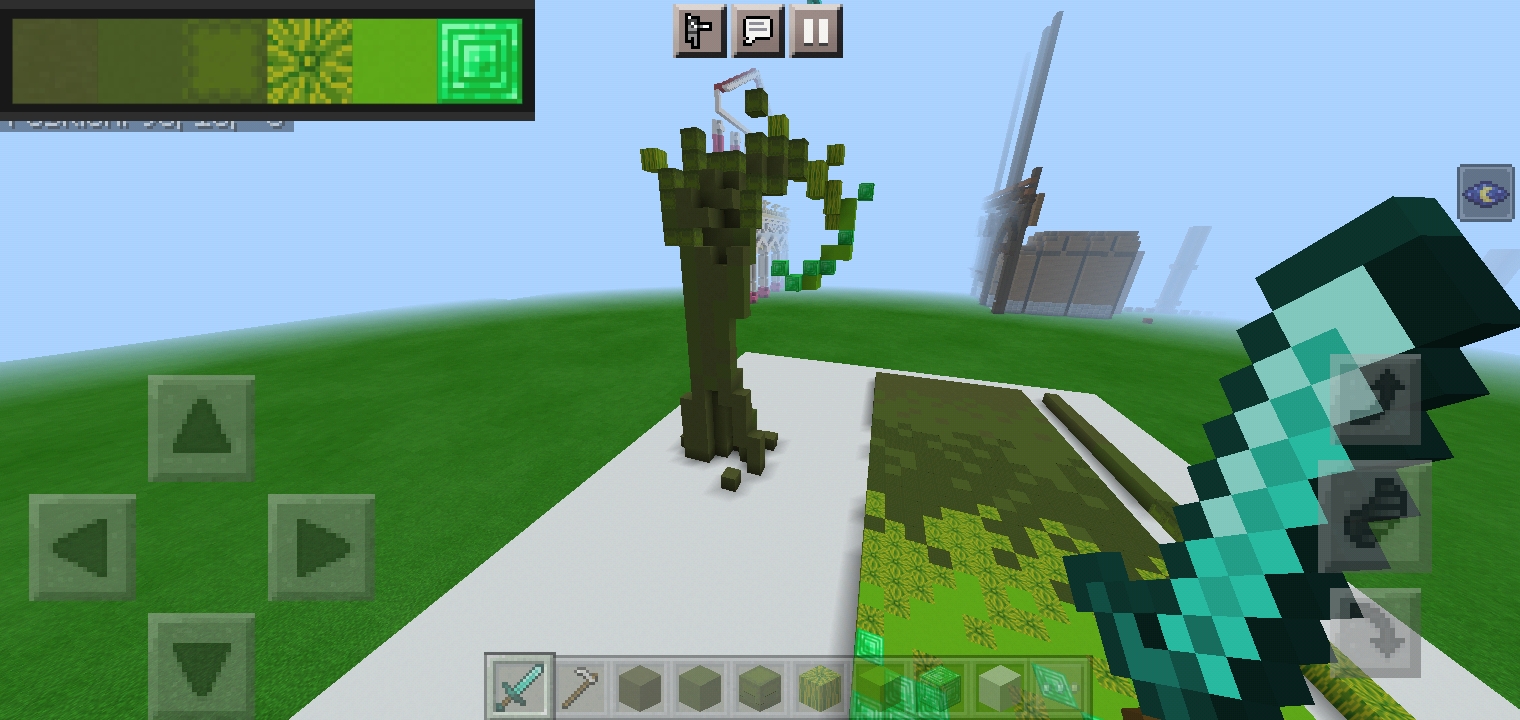
(dont mind the things at the back xd those are some ugly builds, the thing at the right could have been a Halloween mm map and the left side is cookie run kingdom castle xD both are abandoned)
(dont mind the things at the back xd those are some ugly builds, the thing at the right could have been a Halloween mm map and the left side is cookie run kingdom castle xD both are abandoned)


